For recurring community organisers
Hubbaly logo

Your events belong in one place. Not strung across five tools.

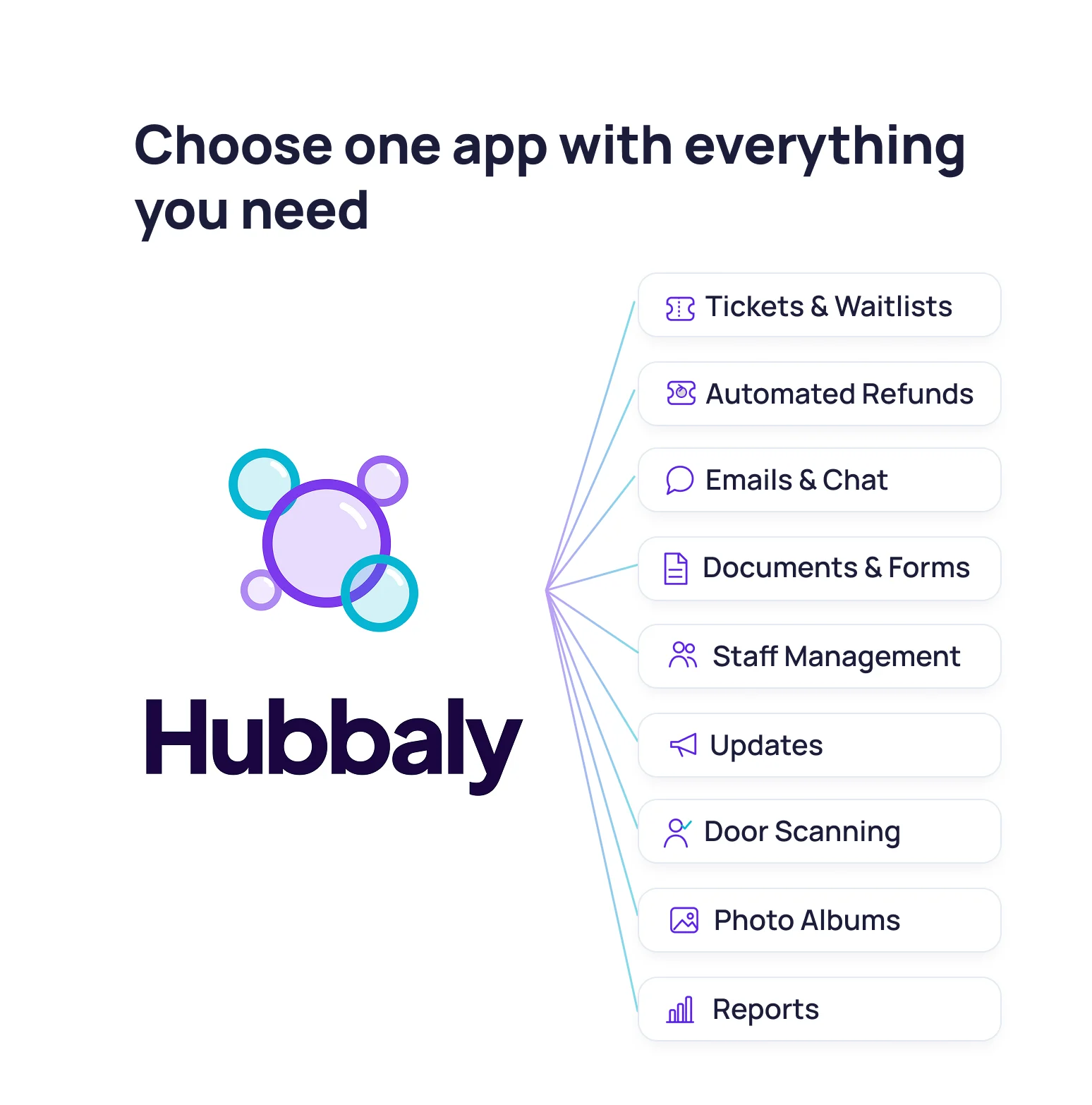
Everything that runs your recurring community, from tickets and Waitlists to forms, QR check-in, updates, and albums, in one system instead of five.

Free to start. 3.5% on paid tickets.

Waitlists + transfersQR check-inForms + waiversEvent chat + updatesAlbums + memory
Before

Tickets + Waitlists

Access rules, forms, and releases stay with the event.

During

QR check-in + staff

Door tools and role access stay aligned.

After

Albums + updates

The follow-up still belongs to the same community.

Public event

Thursday Supper & Stories

North Star Supper Club

An event page that still feels like the club.

Tickets, the host brief, member notes, and what to expect all stay in the same place without switching visual language halfway through.

£18

Doors 18:30 · Dinner 19:15

Buy ticketMembers welcome

What guests see

A clear story for the event, not just a sparse ticket checkout. Venue details, host notes, and aftercare stay visible before someone commits.

Hosted courseMember updates includedAlbum after the event

Included

Dinner ticket, door list, and post-event album all tied to the same event record.

Private when needed

Switch to members-only visibility without rebuilding the event in another tool.

Hosts + schedule

Doors and welcome18:30
First course + host notes19:15
Member update round20:10
Album shared afterwardsNext morning
Branded event pages still feel like your community, not a handoff to another tool.

Organiser

Staff + event day

Staff roles

Front door

Scan tickets, handle arrivals

2 assigned

Host support

Seating, guest notes, aftercare

3 assigned

Live board

Check-in, incident notes, and staff duties stay in the same event workspace when doors open.

Shared context

Updates and attendee context are not trapped in chat threads or spreadsheets on the night.

Event-day status

Checked in

34

On-duty staff

5

Notes

2 flagged

Staff roles, assignments, and event-day controls stay inside the same system.

North Star Supper Club

Thursday Supper & Stories

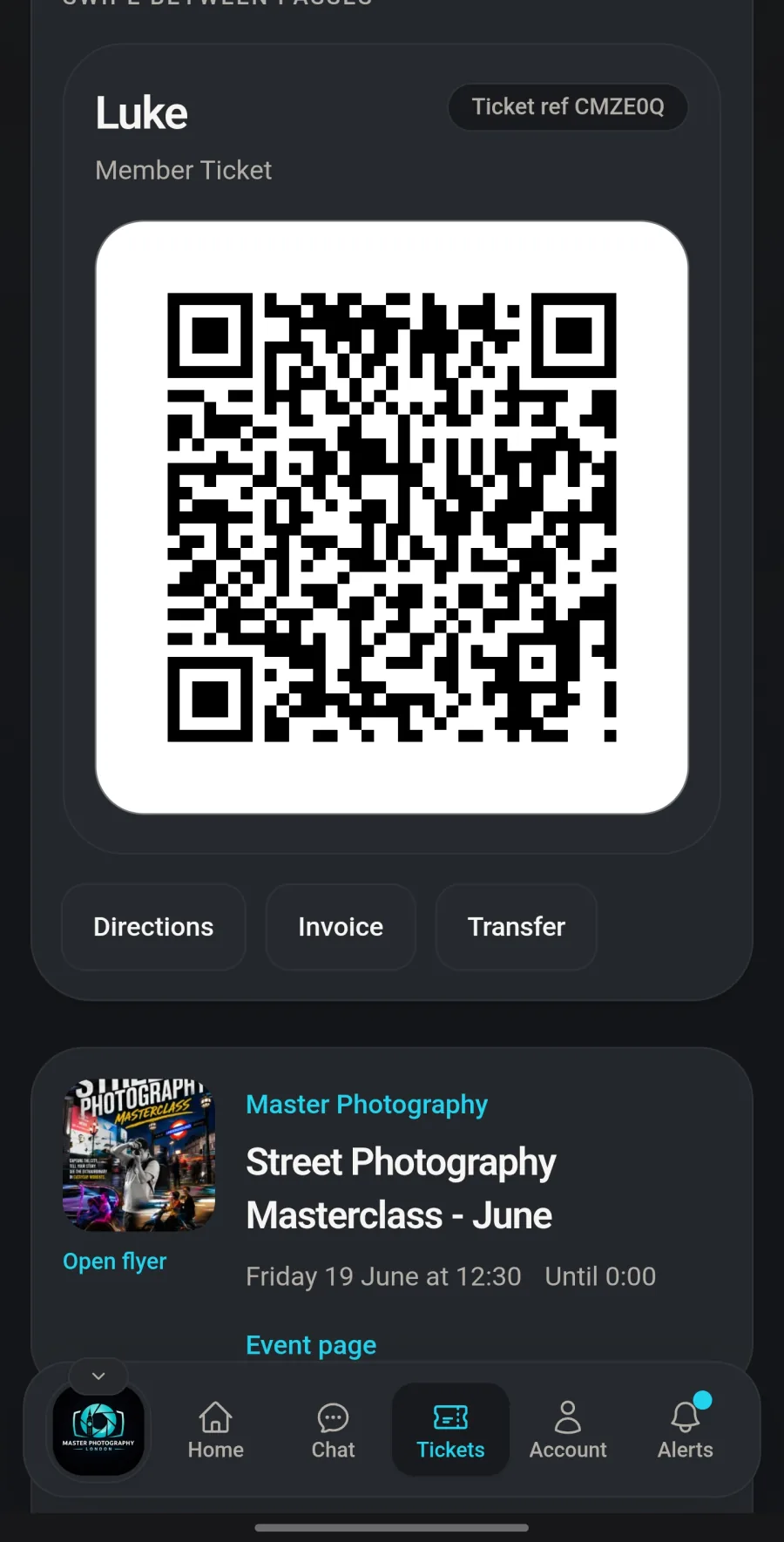
Member dinner ticket

Date

Thu 27 Feb

Doors

18:30

Ticket refNS-184
Hosted courseAlbum afterwards
Tickets still feel branded and readable when members open them on a phone.

How it works

The problem is not one bad tool. It is the handoff between all of them.

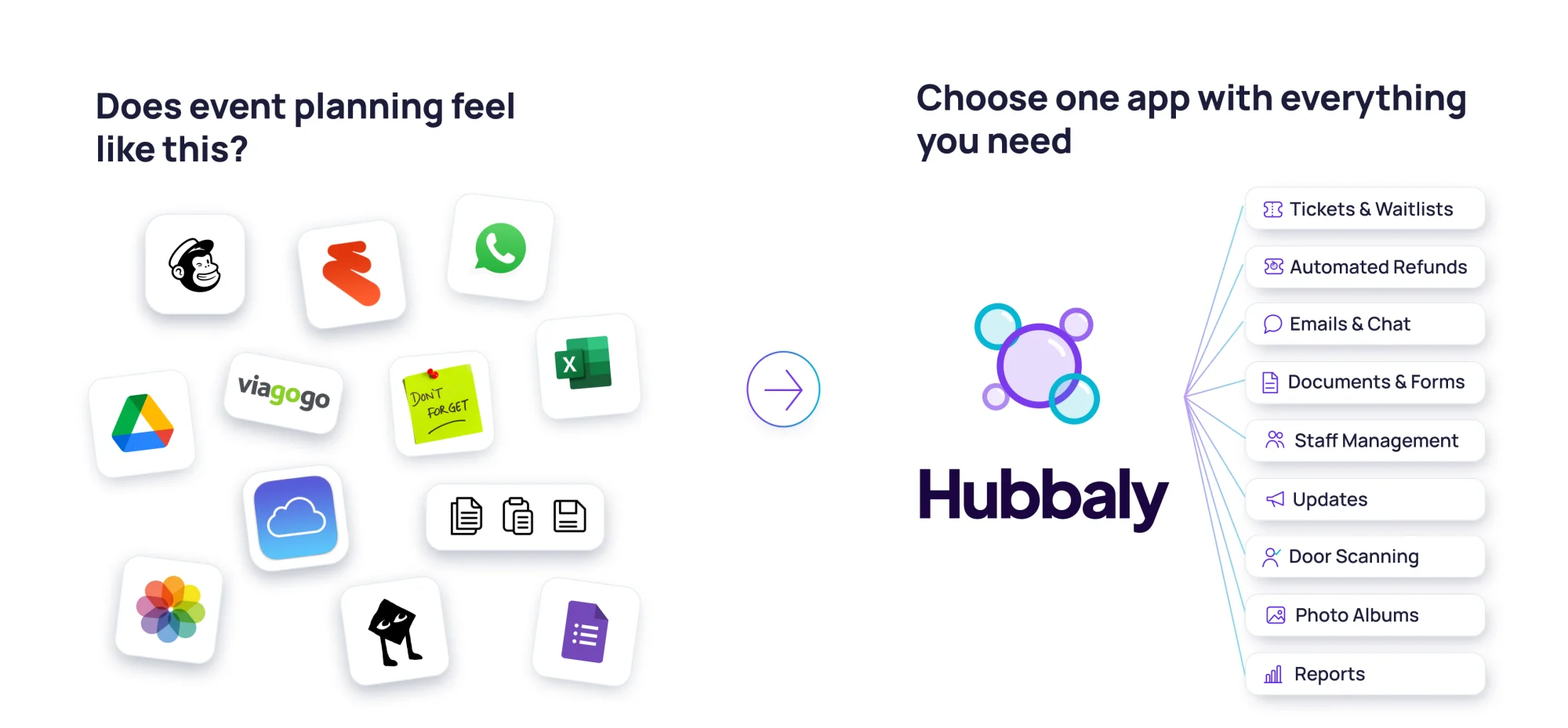
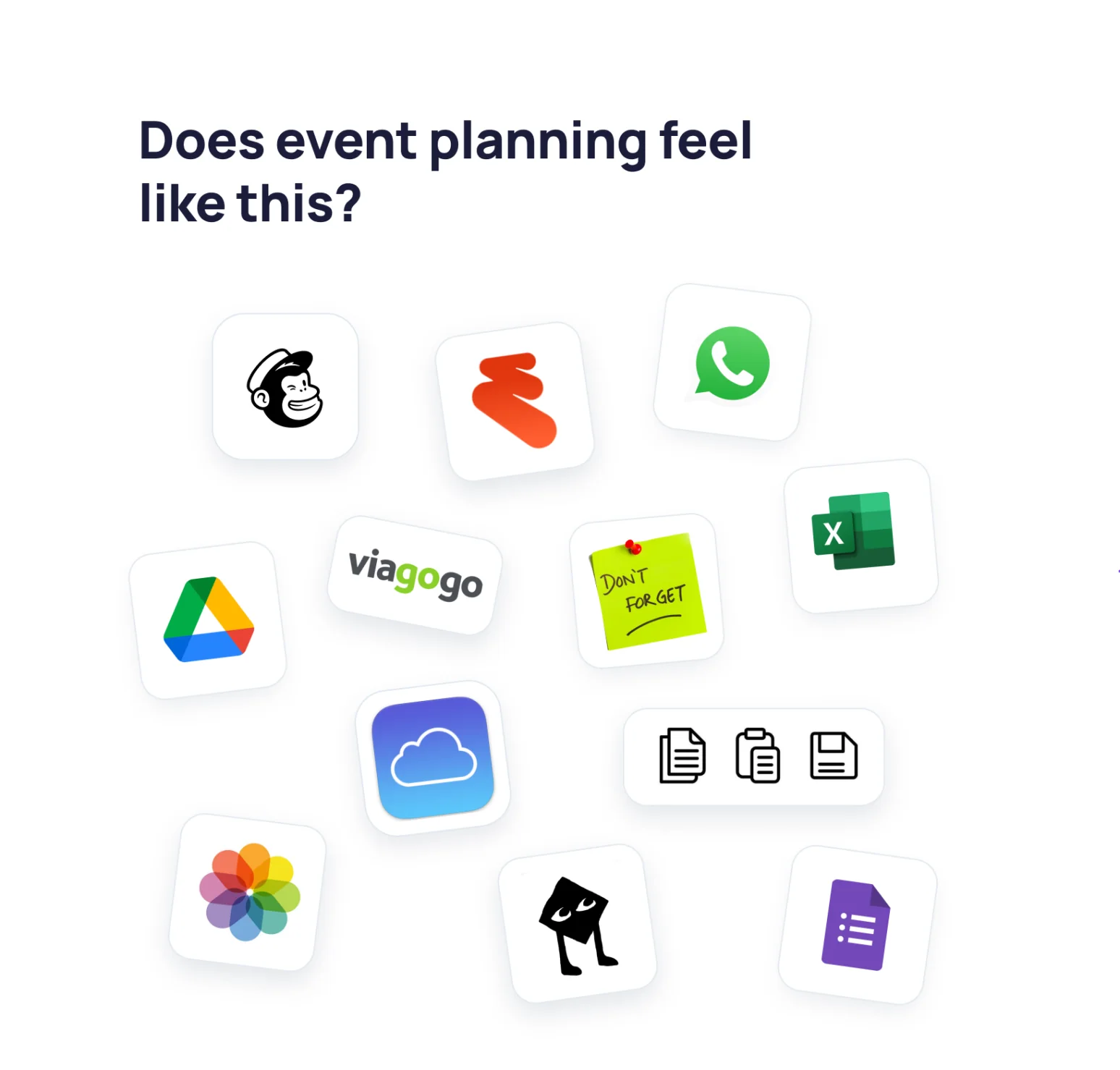
Organisers recognise this stack instantly: tickets in one place, Waitlists in another, forms somewhere else, door notes in a sheet, and photos scattered after the event.

Eventbrite or Ticket Tailor

Sell tickets and publish the event

Separate

WhatsApp and broadcast email

Send updates and chase replies

Separate

Google Forms and waiver docs

Collect waivers and pre-event details

Separate

Spreadsheets and door notes

Run the door and brief staff

Separate

Shared albums, drives, and social posts

Keep the memory after the event

Separate

With Hubbaly

One system that keeps the whole event lifecycle together.

Tickets, queue handling, staff roles, forms, check-in, updates, and albums follow the same event and the same community rules.

Paid tickets, Waitlists, and member-only rules stay on the same event record.

Required forms and waivers are handled before the door, not in a side workflow.

QR check-in, staff roles, and ticket context stay together when the event is live.

Albums, updates, and the next event build from the same community hub afterwards.

The value is not just fewer tools. It is fewer blind spots before the event, fewer handoffs on the door, and a clearer follow-up afterwards.

Replace your stack

Pick the tools you're currently using.

Pick the tools you're currently using. See what they actually cost you and what you'd pay on Hubbaly instead.

Your current setup

You're currently stitching together 5 tools.

EventbriteWhatsAppGoogle FormsSpreadsheetsShared albums and folders
Approx current cost

£262.80

Fees and admin overhead across the current stack.

Hubbaly fee

£84.00

3.5% per paid ticket. Free events stay free.

Hubbaly replaces the lot

Tickets, forms, updates, check-in, staff, and albums work as one system instead of being stitched together at the edges.

  • Approximate comparison based on typical organiser tooling costs.
  • Public ticketing fees add up quickly for paid community events.
  • Even free messaging tools still cost time when information lives somewhere else.

Buyers see one all-in ticket price before checkout, with Hubbaly and payment processing settled from that paid amount afterwards.

Product

Everything organisers usually bolt together is already here.

This is not just ticketing plus chat. Hubbaly covers the rules before the event, the live operations during it, and the follow-up afterwards without pushing organisers back into a patchwork stack.

Paid and free tickets

Run public, private, free, paid, and member-only access from the same event record.

Waitlists

When capacity is gone, Hubbaly keeps demand in the queue instead of sending people to a form.

Ticket transfers

Members can pass tickets on cleanly when plans change without organisers reconciling ownership by hand.

Required forms and waivers

Collect the event-specific details you need before entry instead of chasing documents on the door.

QR check-in

Staff scan one ticket and get the live status, access context, and event-day confidence they need.

Event chat and member updates

Reminders and changes go where members already have their ticket instead of into a disconnected thread.

Post-event albums and photo sharing

The event memory stays inside the same community that hosted it instead of being scattered afterwards.

Email campaigns

Reach your hub members and ticket audience without exporting lists into a separate broadcast tool.

Community hub

North Star Supper Club

Hubbaly

Community home

A supper club people remember before they even buy.

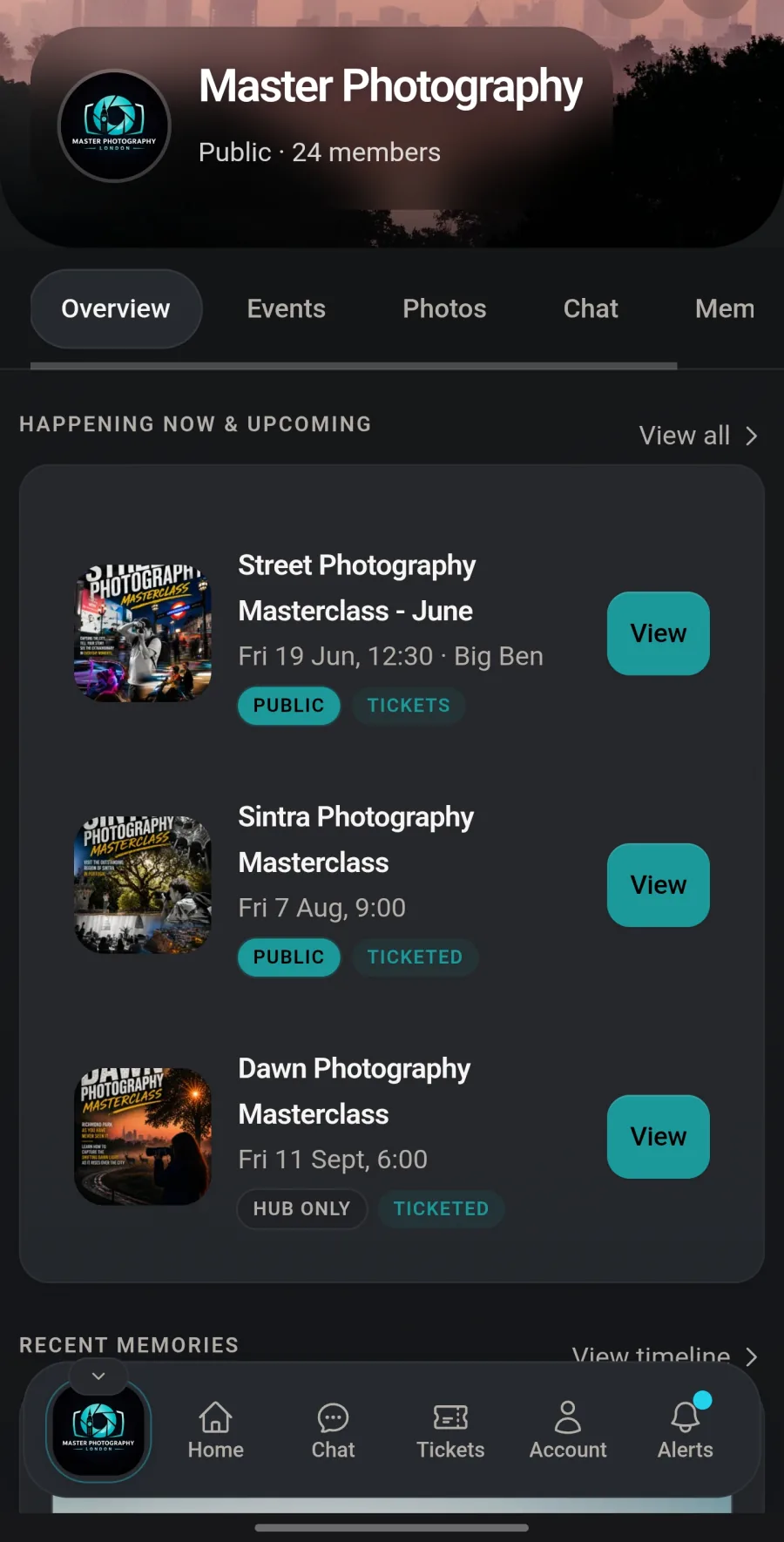
Upcoming dinners, the member journal, and the event album all live under the same identity instead of being split across ticket links and shared folders.

Next event

Thu 27 Feb

Members

148

Albums

24

Next dinner

Thursday Supper & Stories

Public tickets
18:30 doorsOld Street WarehouseHosted course included

What members see

Event notes, updates, and the follow-up album all stay attached to the same event page.

Why organisers care

Branding, attendance, and post-event memory do not have to be rebuilt in three other tools.

After the dinner

The event album and recap stay visible to the same community, with the same branding and access rules.

Journal

  • Host notes posted to members only
  • Line-up update tied to the event
  • Album now live for attendees
Hub identity, upcoming events, and post-event memory still feel like one community.

North Star Supper Club

Thursday Supper & Stories

Member dinner ticket

Date

Thu 27 Feb

Doors

18:30

Ticket refNS-184
Hosted courseAlbum afterwards
Tickets stay readable on the phone because the member flow is part of the product, not an afterthought.

Organiser

Ticket controls

Overview
Tickets
Staff
Scan
Updates

Capacity

80

Paid sold

46

Waitlist

12

Member dinner

Public checkout, counts toward capacity

£18

46 / 50 sold

Audience rules

Public or members-only availability still lives beside the event, not in a separate ticketing backend.

Release controls

Manual release, waits, and sold-out follow-up stay visible to the same organiser team.

Ticketing, release rules, queue handling, and organiser controls still live in the same operational view.

Lifecycle

Hubbaly follows the event before the door opens, while the queue is moving, and after the photos are posted.

The value is not just checkout. It is the continuity between planning, live operations, and the follow-up that makes the next event easier to run.

Before the event

Set the rules before the queue starts moving.

Run paid, free, public, or member-only ticketing from the same event record instead of stitching together forms, announcements, and access notes.

  • Paid and free tickets with hub-aware access rules
  • Waitlists and queue handling when events sell out
  • Required forms and waivers before entry
  • Event chat, member updates, and Email campaigns from the same system

During the event

Give staff the live context they need on the door.

Keep ticket status, staff access, and attendance inside the same operational surface instead of juggling door sheets, group chats, and last-minute exceptions.

  • QR check-in with ticket status and attendee context
  • Ticket transfers and reopened spots managed without spreadsheet handoffs
  • Role-based staff access for scanners, volunteers, and organisers
  • Attendance and door decisions tied back to the same event record

After the event

Keep the memory, follow-up, and next event in one place.

The event should not disappear into a folder and a mailing export as soon as the last person leaves. Hubbaly keeps the record alive for the next cycle.

  • Albums and post-event photo sharing inside the community hub
  • Follow-up updates and Email campaigns to the people who attended
  • Attendance history and organiser memory tied to the event
  • The next event starts from the same hub instead of from scratch

Sold-out events

Sold out should not mean chaos.

High-intent organisers care what happens after capacity is gone. Hubbaly keeps the waitlist, reopened spots, and transfer path tied to the event instead of turning sell-out handling into manual admin.

One event record, even when plans change.

Queue movement, ticket ownership, and the door list stay aligned because the same system handles the ticket, the member context, and the event rules.

01

Waitlists

When an event sells out, Hubbaly keeps demand in the queue instead of pushing organisers back into forms, inboxes, and side chats.

02

Reopened spots

If capacity changes or someone drops out, the next spot can move through the queue under the same event rules.

03

Ticket transfers

Members can pass a ticket on cleanly when plans change, without organisers manually reconciling who owns what now.

04

Organiser control

You decide how the queue moves, when transfers are allowed, and which events stay gated to the hub.

Use cases

Built for recurring communities, not one-off launches.

The strongest proof is not a generic customer list. It is seeing real organiser jobs, event by event, stay inside one operating system.

Example

A paid running club series

Membership, paid sessions, Waitlists, volunteer staff, QR check-in, and post-run albums in one place.

No more ticketing on one tool, rota notes in a sheet, and post-event photos scattered elsewhere.

Example

A private members' supper club

Invite-only events, Required forms and waivers, waitlist rules, and guest communication kept away from public platforms.

Organisers run the guest list, the door, and the follow-up without exposing the community publicly.

Example

A recurring workshop programme

Tickets, staff permissions, document signing, Ticket transfers, Albums, and Email campaigns tied back to the event record.

The organiser sees what sold, who showed up, who staffed it, and what happened after in one system.

Pricing

Start free, then keep unlocking Pro as paid tickets move through the platform.

One fee on paid tickets. No platform fee on free events. Pro is included for your first 5 events or 12 months, whichever comes first, and selling 500 paid tickets in a quarter unlocks the next 3 months of Pro.

See full pricing
Paid tickets

3.5% per paid ticket

Buyers see one all-in price before checkout.

Free Pro window

5 events or 12 months free Pro

Whichever comes first. Free events still carry no platform fee.

Quarterly unlock

500 paid tickets in a quarter unlocks the next 3 months of Pro

Sell through the platform and the next 3 months of Pro stays free.

Trust by design

Private communities need operational privacy, not just a checkbox.

What is visible, who gets invited, who can join the queue, who can staff the event, and who can see the resulting albums should all follow the same rules. Hubbaly keeps those rules intact across the full event lifecycle.

Private means private

Member-only events do not have to become public listings just to sell tickets or manage a waitlist cleanly.

Access rules carry across the system

The same permissions shape tickets, queue movement, staff access, documents, updates, and albums.

Invites, chat, and follow-up stay with your members

You choose who gets event links, event chat, and Email campaigns instead of handing that to a public feed.

Door controls are operational, not cosmetic

Required documents, attendance checks, and the live ticket status show up when staff scan, not buried in admin notes.

Why we built this

Hubbaly exists because recurring communities deserve one operational home.

We built it around the reality of running community events: tickets, updates, forms, staffing, check-in, and event memory should work together from the start, not be patched together after the fact.

L

Luke

Hubbaly founder

P

Pip

Hubbaly founder

FAQ

Common questions

Start free and run the next event, the queue, and the follow-up from one place.

No waitlist. No card required. 5 events or 12 months free Pro to start.

Already have an account? Sign in