
Tickets that reflect your community and the event
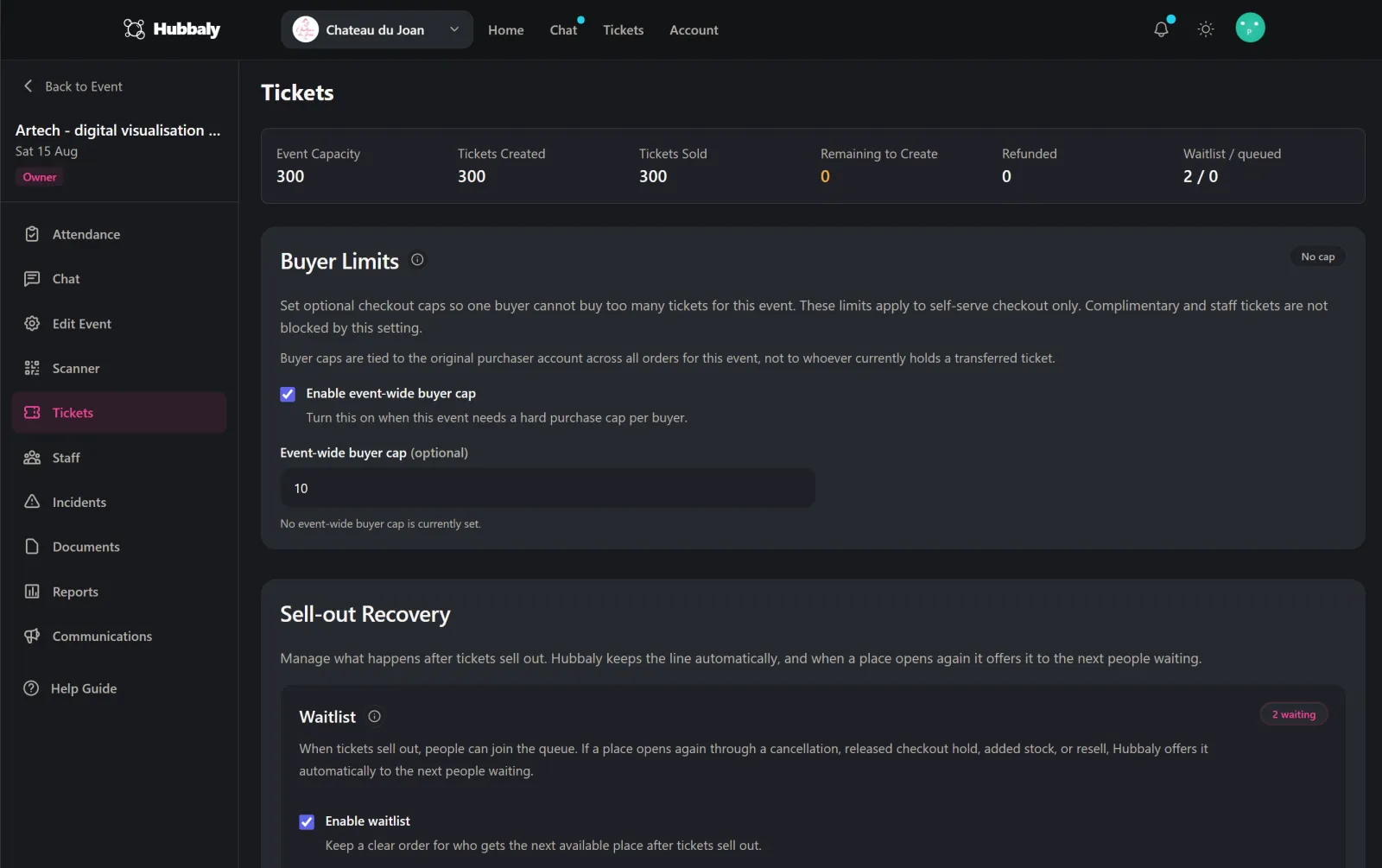
Public, member-only, invite-only, complimentary, tiered pricing, capped runs, per ticket-type forms. Choose as many options as you need in every event.
Before the event, during the event, and after the event. Everything is underpinned by the same parameters set by the event organiser, and the same community hub rules. No need to transfer information between tools to set up and manage your event.
Organiser
Staff + event day
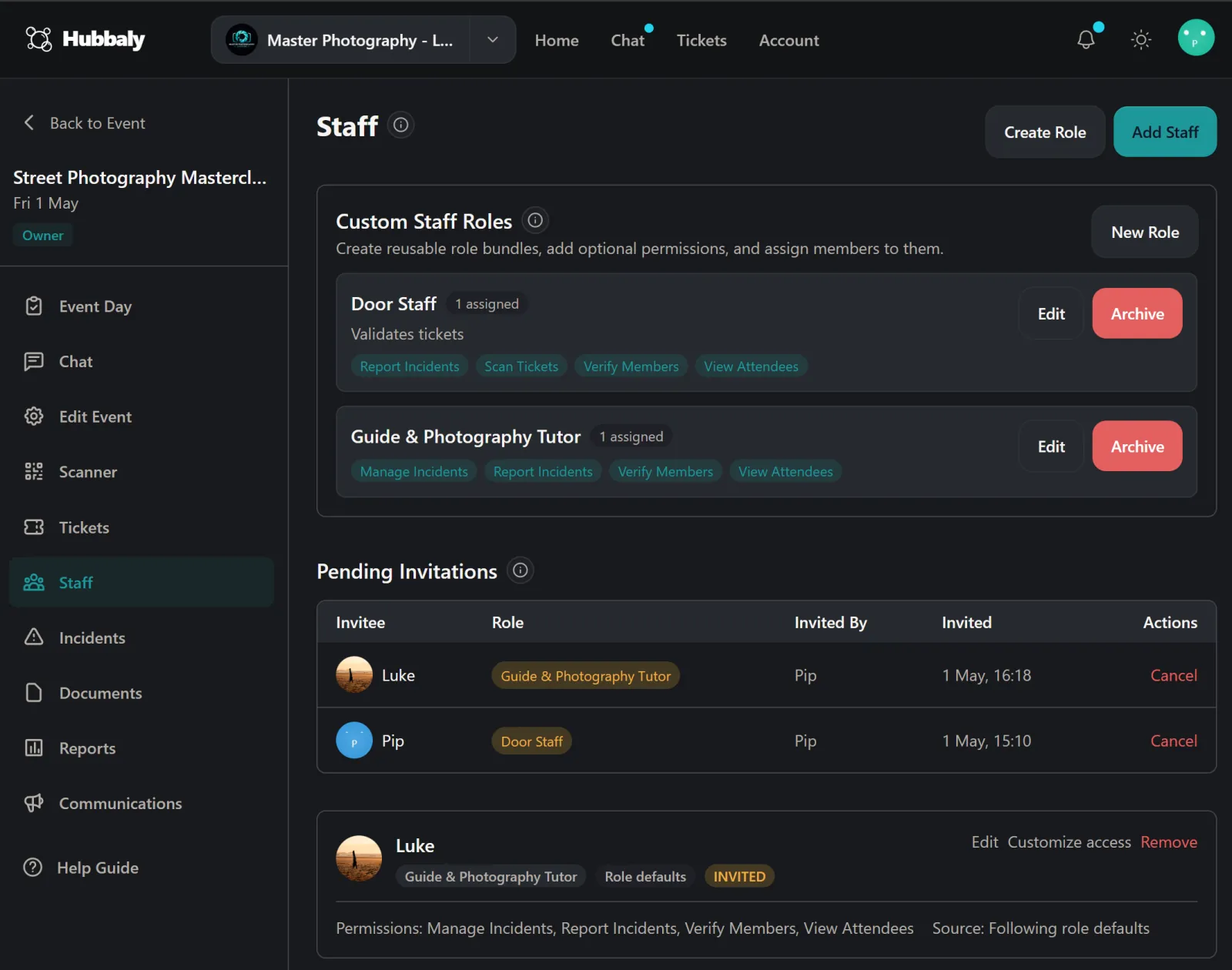
Staff roles
Front door
Scan tickets, handle arrivals
Host support
Seating, guest notes, aftercare
Live board
Check-in, incident notes, and staff duties stay in the same event workspace when doors open.
Shared context
Updates and attendee context are not trapped in chat threads or spreadsheets on the night.
Event-day status
Checked in
34
On-duty staff
5
Notes
2 flagged
Before the event
Everything that follows; ticket purchase, documents, the door, the follow-up; all know the rules and work within their boundaries.
Public, member-only, invite-only, complimentary, tiered pricing, capped runs, per ticket-type forms. Choose as many options as you need in every event.
When your event sells out, people wanting tickets can join a waitlist queue. Anyone wishing to sell their ticket releases it to the waitlist for purchase.
Attach structured forms to the ticket itself. No signature, no access QR code. No more chasing documents on the door.
Ask for the extra information you need to run your hub, such as names, phone numbers, or organisation details. Answers stay encrypted and kept private to that hub.
Gate by community membership, past attendance, or staff. Set the rule once on the ticket type.
Your branding, your accent colour, your logo. Hubbaly's own chrome stays restrained so your event looks like yours.
During the event
Staff see the tools and information their role requires, and nothing more. You track everything that's happening in real time.
Staff scan a ticket and see name, type, waiver status, membership, flags, accessibility notes. One scan, one answer.
Whether staff are scanning tickets, performing, managing health and safety, running a bar or food stall they have relevant tools and permissions.
Attendance view, scanner, roster, incident log, comms centre, all in one event management workspace.
Announcements, reminders, changes, and cancellations delivered in-app by push and by email. You see what was sent and have a record of everything.
Category, severity, people involved, information gathered, status, reporting personnel and outcomes captured. Every stage recorded in an audit trail as standard.
After the event
Where other tools leave you at the door, Hubbaly rounds off the event to keep communities connected.
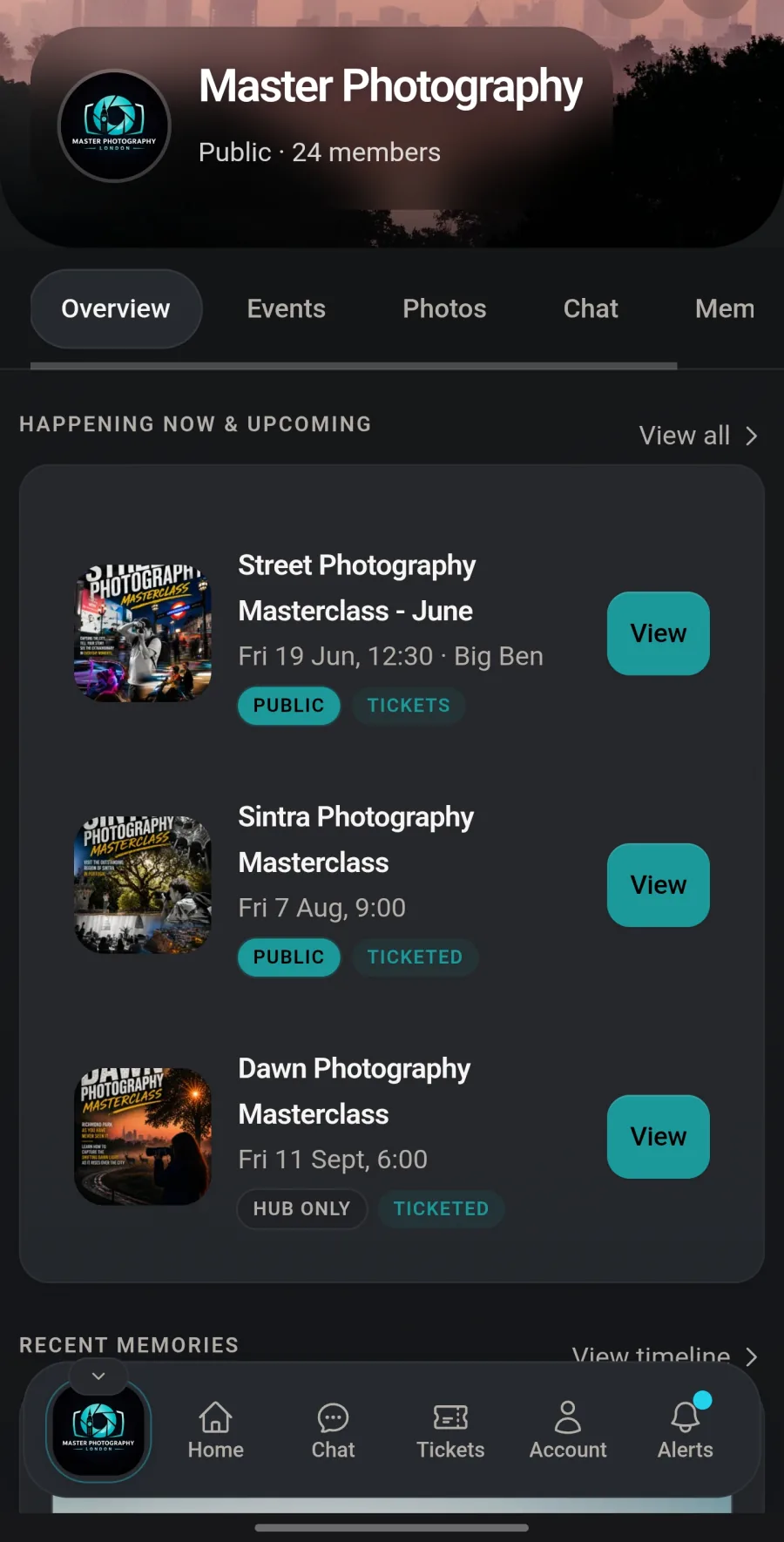
Each check in creates a record you can use to gate access to photos, or future events, and becomes part of a member's personal history in your community.
Shared according to your hub rules (public, community only, attendees only). Photo visibility decided by the subjects (public, community only, connections only). Originals downloadable.
Want to stay in touch with people you've met at an event? DM on Hubbaly without sharing numbers. Private connections require opt-in on both sides and can easily be revoked.
Attendance, staff participation, revenue, refunds, and incidents all included in the event report for record and review.
Hub members, ticket holders, past attendees. Per-topic preferences. One-click unsubscribe. Your own sender identity on Pro.
Ticket parameters, waiver and form templates, staff roles and event options all saved and kept private to your community to be repurposed if needed at your next event.
Running something bigger?
Festivals, multi-day runs, venue operators, or a custom requirement we haven't listed. Get in touch and let's chat about how we can help.
Create a community hub, publish your event, share the link. It’ll take about fifteen minutes if you already know your capacity and price. Free to start. No card required. Pro is on us for your first three months.
Already have an account? Sign in