
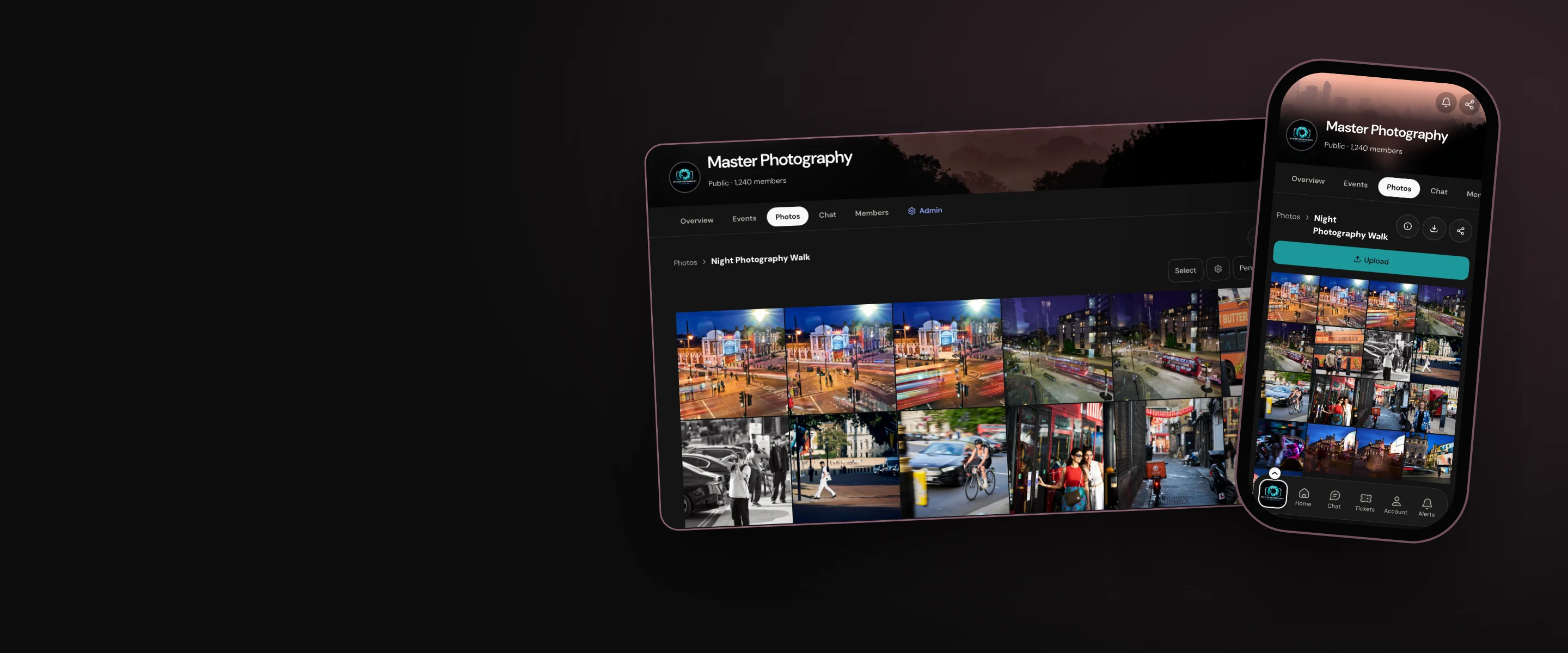
Albums
Custom photo albums integrated into your hub and events pages
- Owners & admins
- Managers
- Members
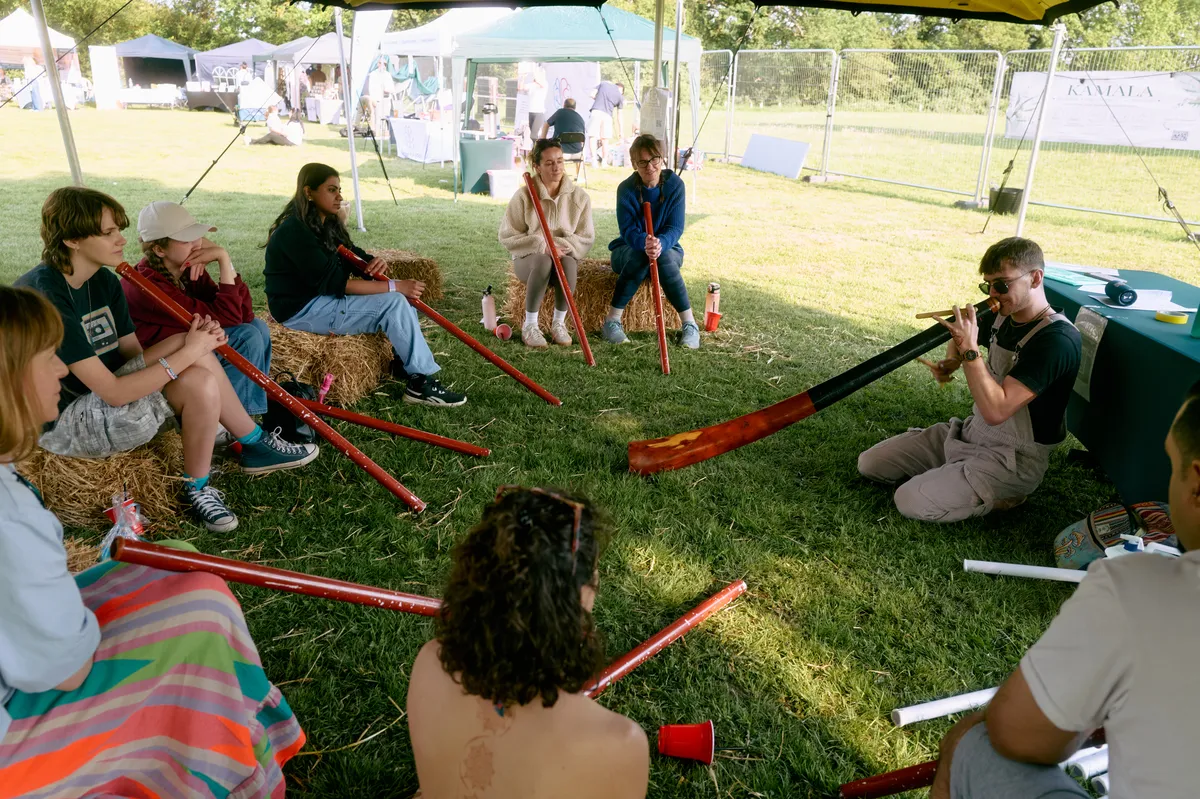
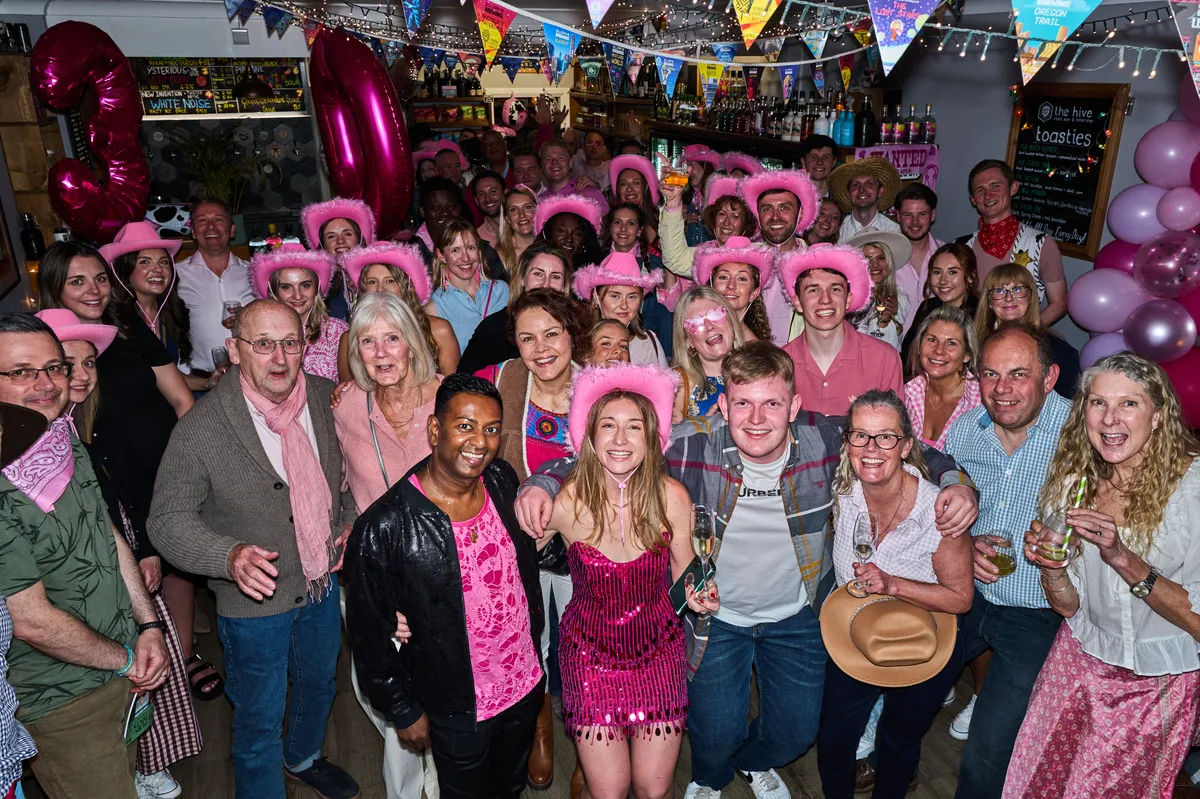
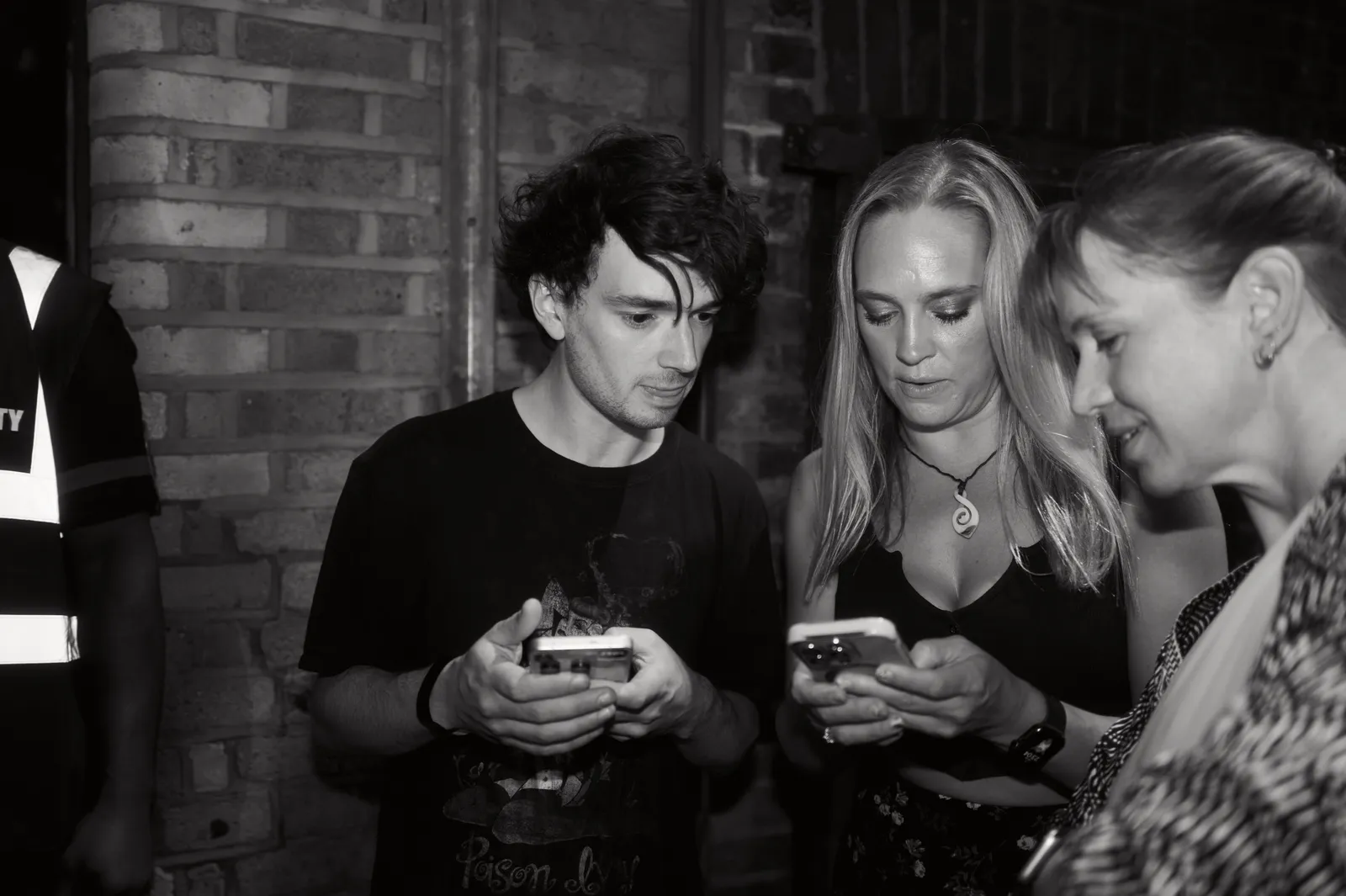
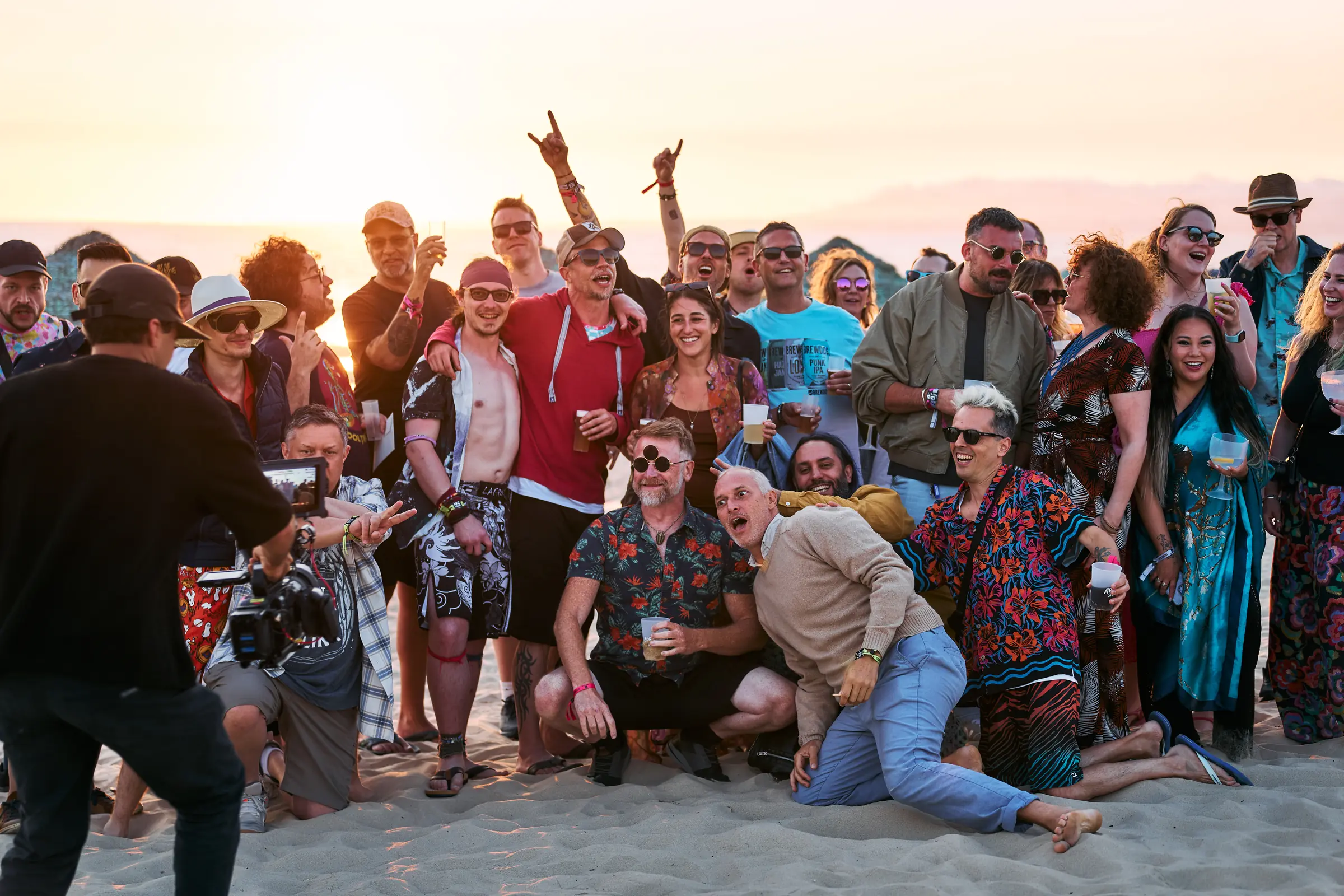
Your photos, at their best
Permission controlled albums for your photos and video clips allow you to share memories from your events with specific groups or the wider public with ease.
Why organisers use it
No third-party costs
Photo albums stored and shared from third party sites incur costs and additional admin for event organisers.
Quick to load
Albums on third party sites are often slow to load, making the user experience tedious and clunky.
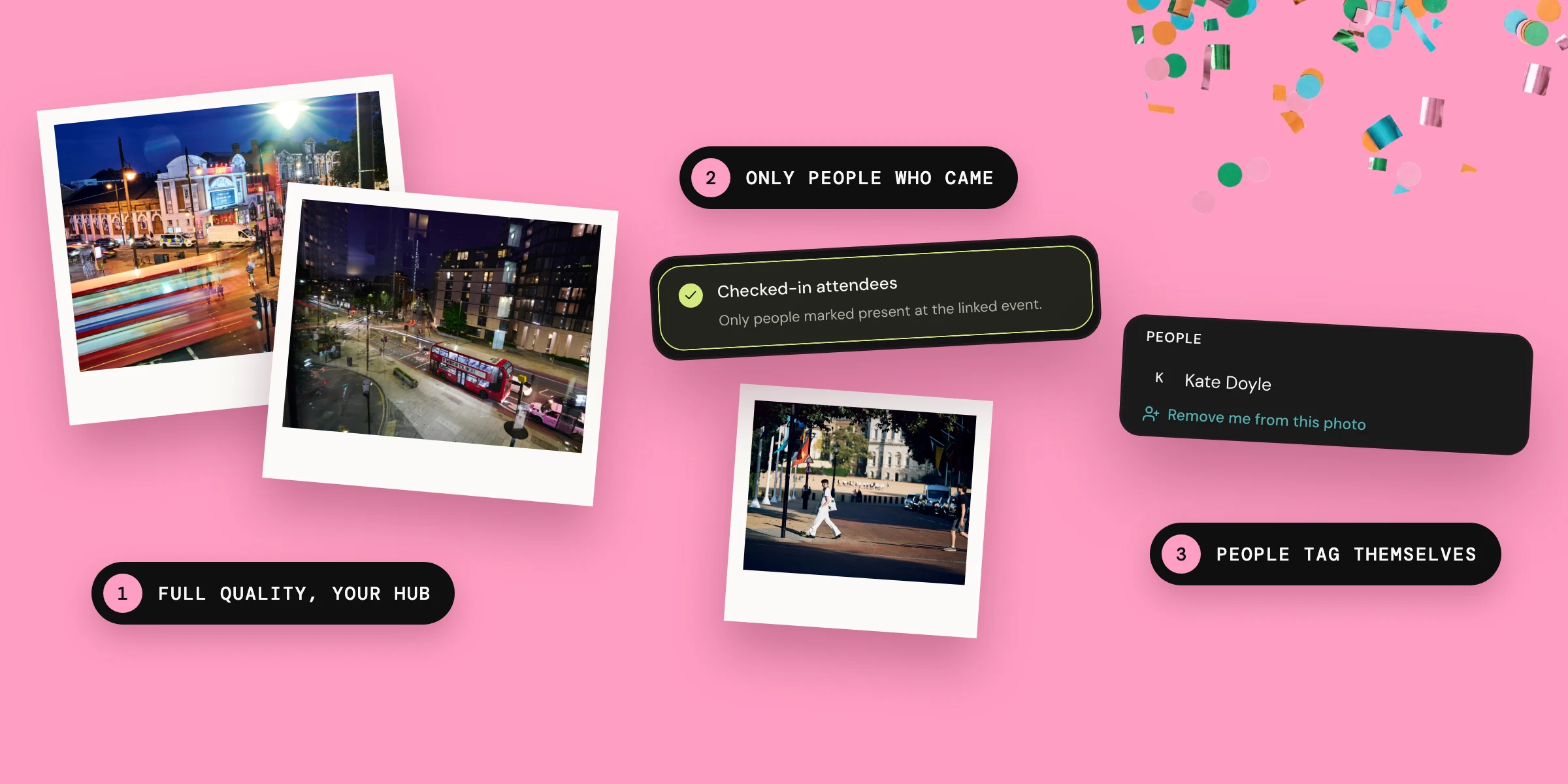
Full quality, your rules
Most compress images so they look terrible, and offer very few options for tailoring access, consent, and downloads.
Built to perform
As people who are passionate about photography we have built our albums to perform. Our integrated hub and event albums allow you to:
Who can see each album
Control who can see each album. You can choose to allow anyone to view them; just your hub members; just the people who bought a ticket to an event; just the people who actually attended the event; or members of your hub team.

Uploads, with approval if you want it
Choose whether members can upload images, and if approval is needed.

Every photo, at full quality
Upload photos that are up to 20MB each (you’re welcome).
Upload short video clips.
Automatically save the images and videos sent in a selected hub chat to an album.

Originals, if you allow them
Choose whether you will allow people to download originals.

Safeguards for the people in the photos
We have also created safeguards to protect the people in the photos and videos:
- All photos and videos have options to report them for removal from the album. These reports are reviewed by the hub owners, admins and managers.
- People tag themselves in albums.
- When you tag yourself in a photo it is added to your Hubbaly profile, and you decide who can view the photos on your profile.
- Likes never rank photos.

Our promise
Our integrated photo albums enable you to share incredibly high quality images with your communities in a secure and targeted way. Your communities will love the reminders of the memories they have made at your events, and know that their images are secure and respected in your hub.
Questions organisers ask
What are the limits to the video clips you can upload to albums?
Why can’t all my contacts see my tagged photos on my profile?
The rules that govern the photo albums that each photo came from still apply. If an album is only viewable by members of a particular hub your contacts would have to be members of that hub to see the tagged photo.
Can other people tag me in photos without my consent?
No. Only you can tag yourself in a photo.