





Your community comes with you when you move to Hubbaly with our member import tool
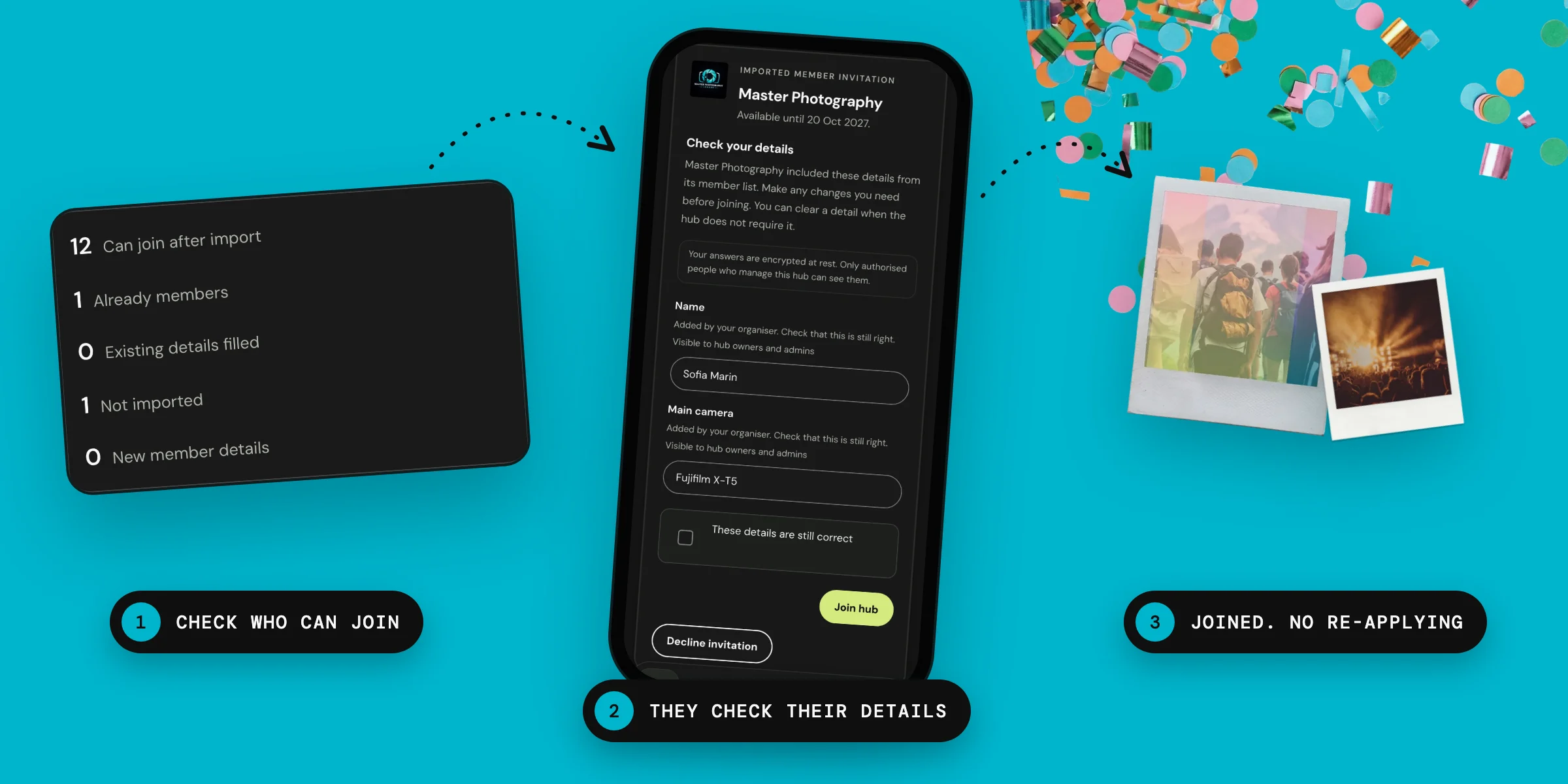
Every member counts
When you have taken care and spent time building your community you don’t want to lose anyone when you move to a new platform, so we have built a tool to make the transition seamless and pain-free for all involved.
Upload your community data, set your parameters and email invite details, and send your members their access links.
Limits
Member imports do not create Hubbaly accounts for your users. They will do this when they follow your invite link. If they already have a Hubbaly account your link will allow them to directly join your hub.
Our promise
Your members will have a straightforward and clear path to joining your hub, that respects their choices and privacy. Your membership data remains private and controlled by you.
Questions
My membership database stores names, email addresses, and notes on their grade of membership. Can I import all of this into Hubbaly?
You can import up to 50 columns, and decide which ones your members can edit and which ones you will control.
What file types does your import tool accept?
You can upload a CSV or plain text file, or just copy paste the membership data.
Is there a limit to the file size I can import?
You can have up to 5,000 rows in a file of up to 5 MB. You can run the import tool as many times as you like to bring in all your members details.