


Groups for the people in your hub
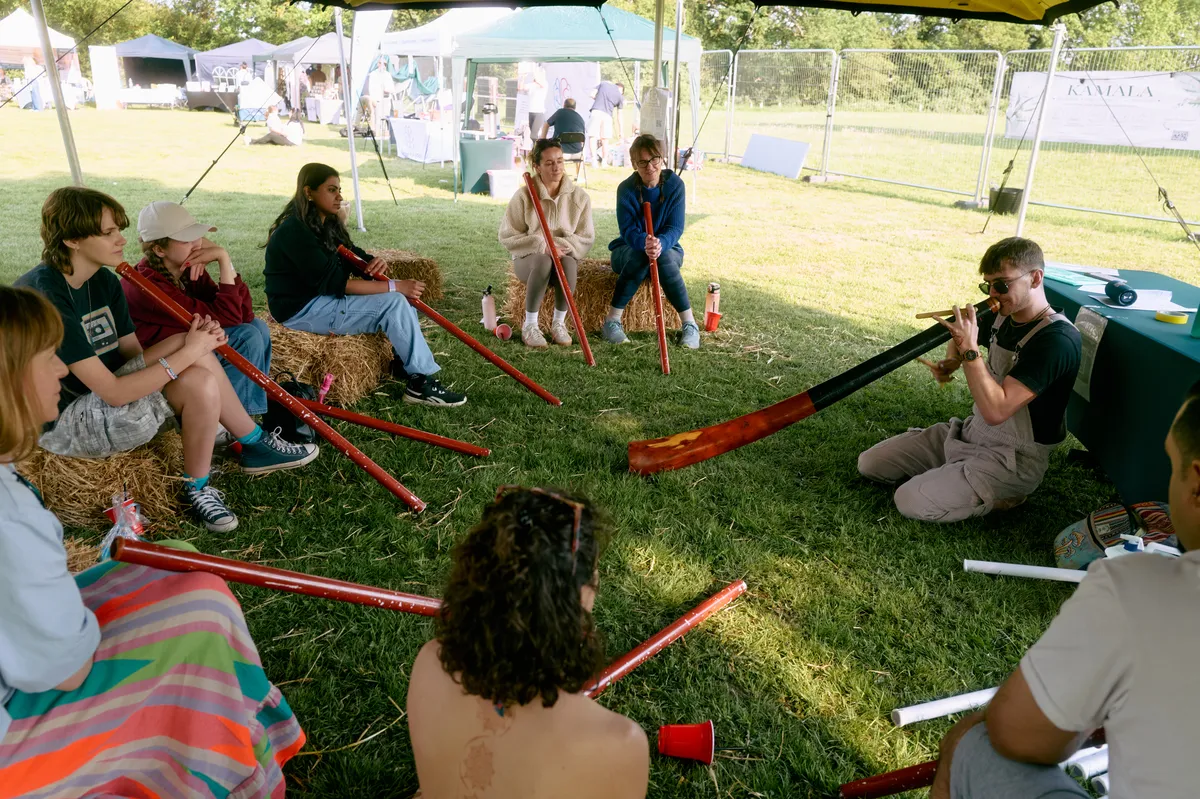
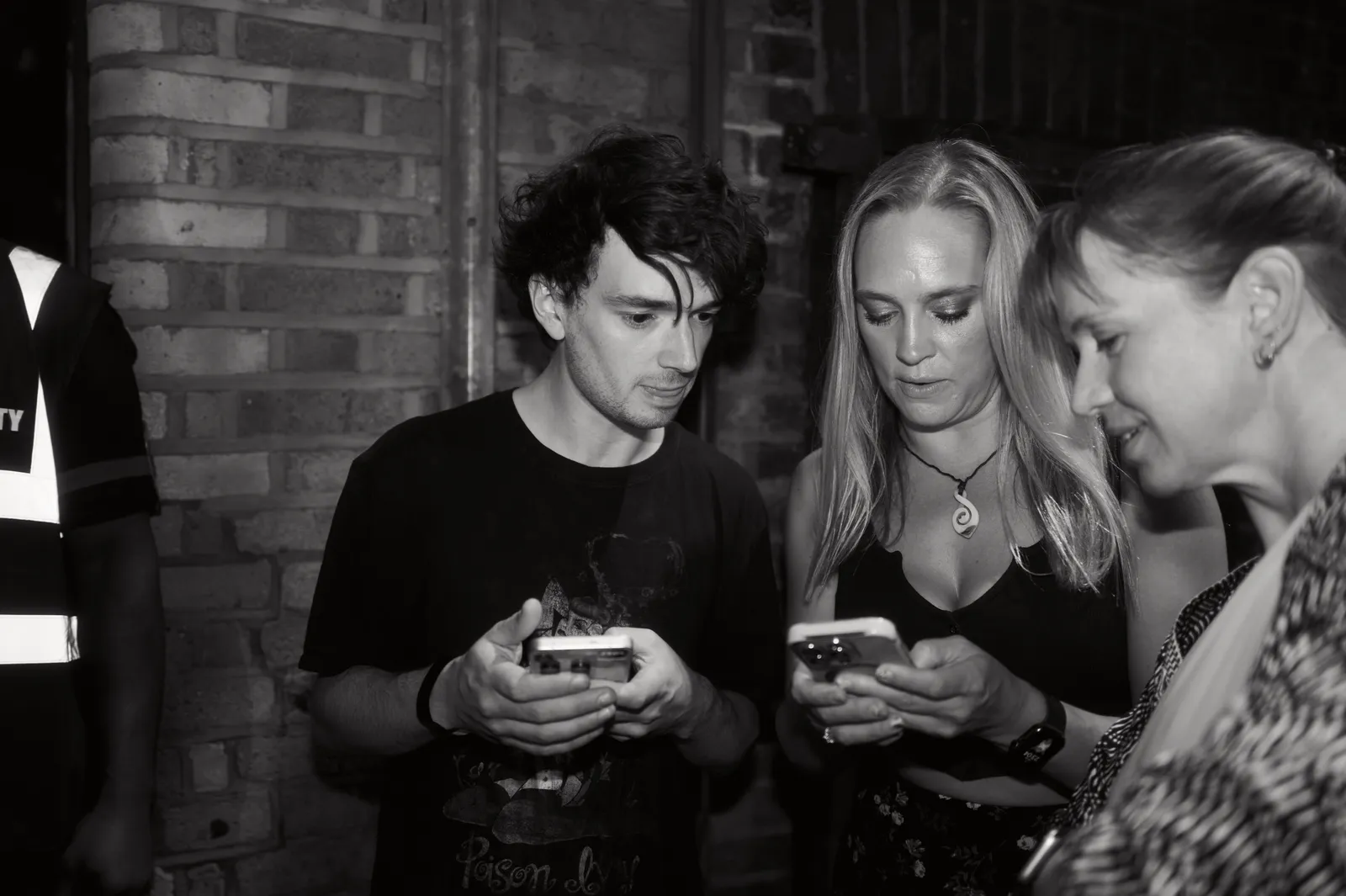
- Owners and admins can now make groups, such as a members’ club or your volunteers, and add people by hand, by invitation, from a list or by a rule that keeps the group up to date.
- Let chosen groups see an event first, then open it to everyone on a date or when you choose.
- Give groups their own prices, let them buy before everyone else, or sell tickets only they can buy.
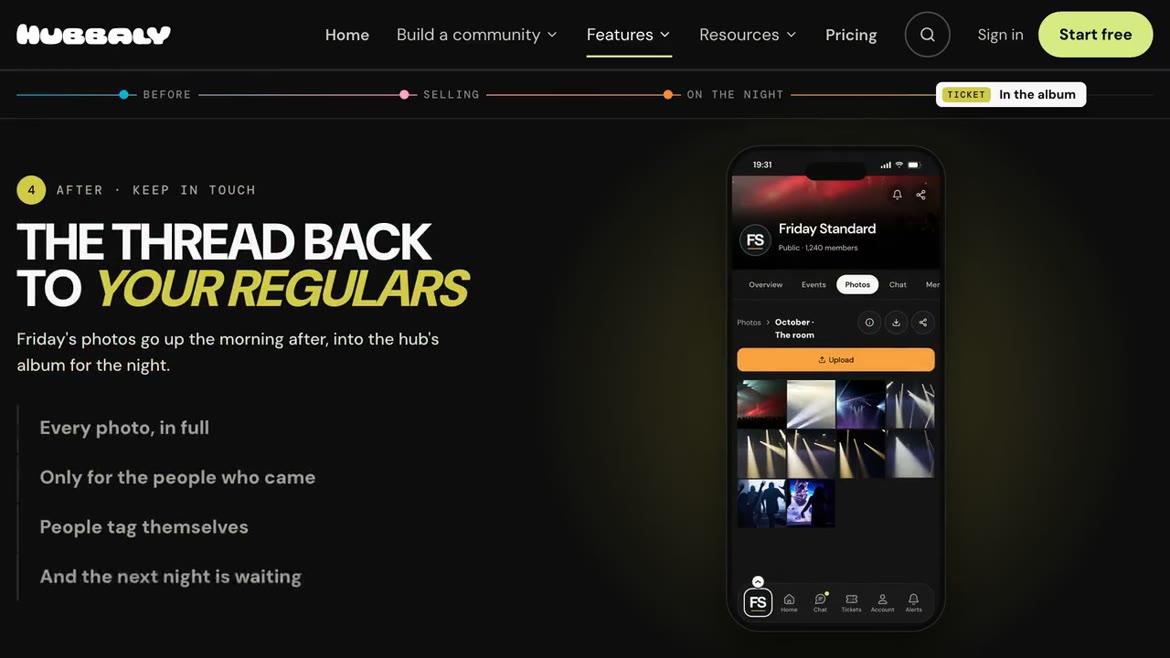
- Give groups their own chats and albums, and email them or send them event updates.

Changing tickets
- People can now change their own tickets to another time or ticket and keep the same QR code. It is on for every event and can be turned off in the event’s ticket rules.
- Moving to a dearer ticket is paid by card in one step: the price difference plus a 50p upgrade fee, which goes to you. Your refund policy says whether moving to a cheaper one refunds the difference.
- Organisers can change a ticket for someone from Sold tickets.

Partial refunds without cancelling tickets
- Organisers can now refund part of a ticket payment while keeping the ticket valid for entry.
- Choose an amount or a percentage for one ticket, several tickets or a whole ticket order, then check the refund before confirming.
An event guide for festivals and busy days
- Paste a running order to make a line-up in your event guide, or build one by hand. What’s on shows it by day, with what is on now and next.
- Visitors tap a bell to be reminded before a time starts, and can add their plan to their calendar.
- Upload a floor plan and mark places on it, so visitors can find the bar or see where each act is on.
- Link a line-up time to a side event with its own tickets.

Hosting an event together
- Two hubs can now host a public event together. It appears in both hubs, and you choose what the other hub’s organisers can do.
- Staff can come from both hubs, and updates can go to the members of either hub or both.
- A draft event can also be handed over to another hub.

A new Email Studio
- Email Studio has been rebuilt and now sits inside Hub admin. Your emails shows every draft, scheduled and sent email in one list.
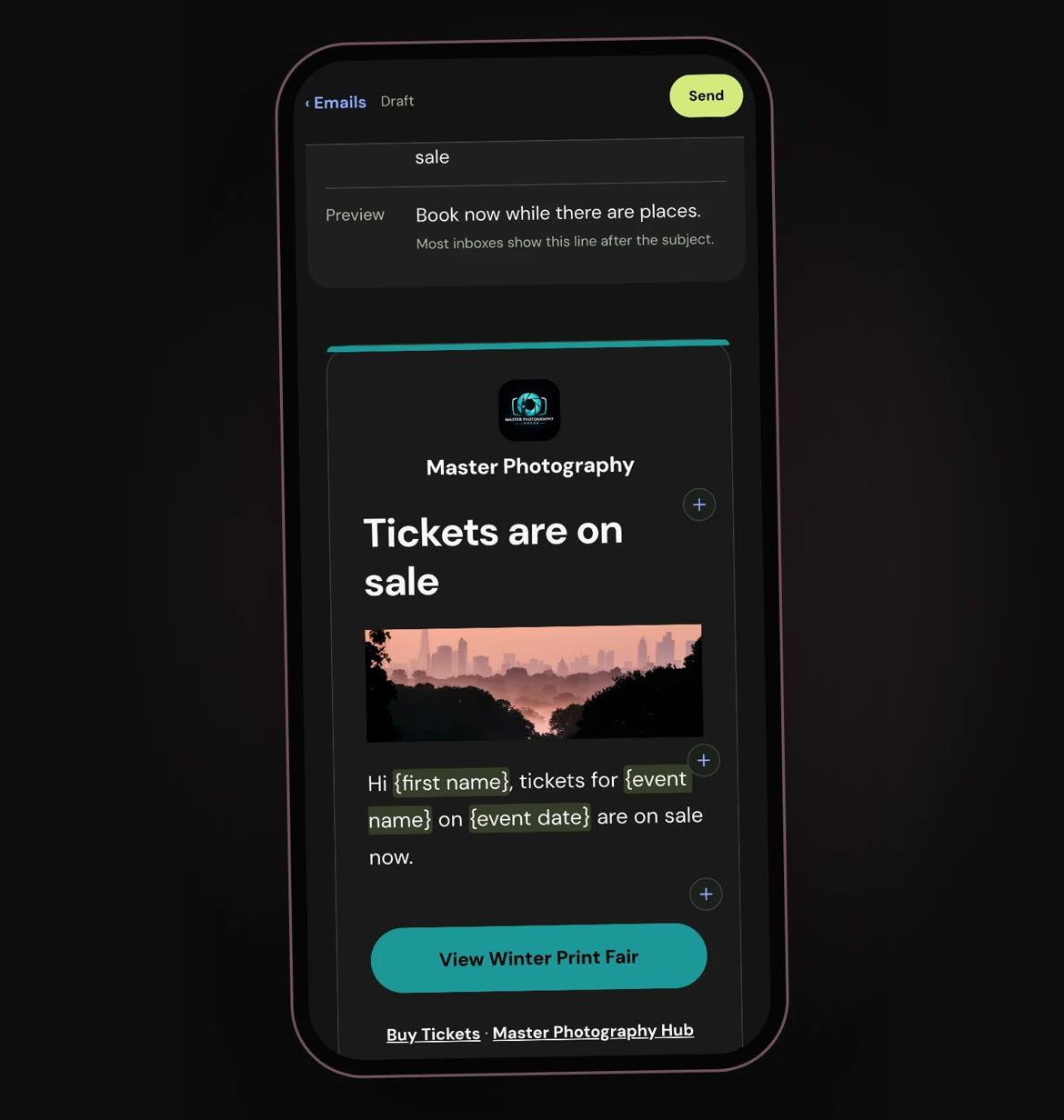
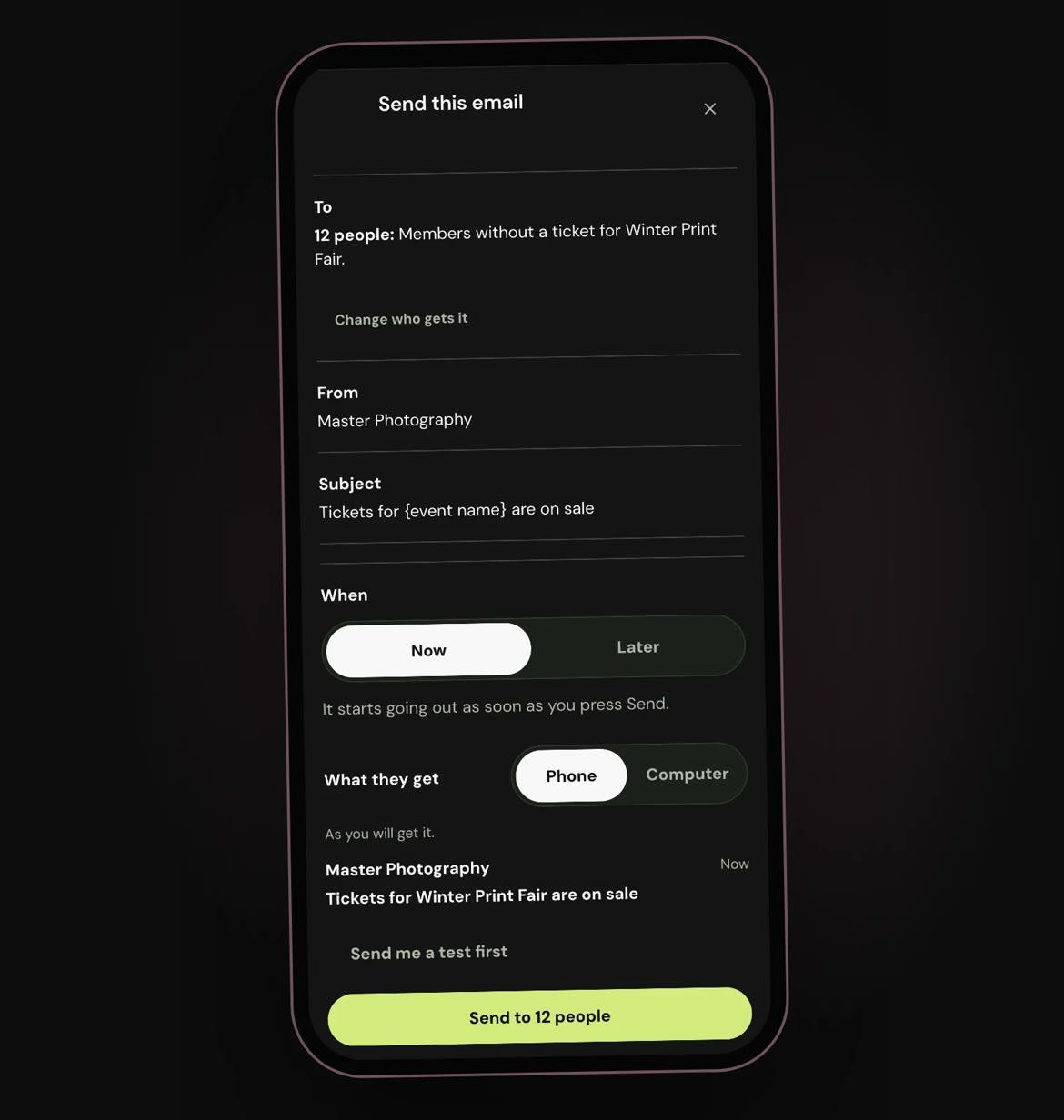
- New email asks which event, who should get it and where to start, with three new ready-made emails: Tickets on sale, Save the date and Thank you for coming.
- Write straight on the email. Add words, headings, lists, pictures, buttons, video and event cards between the parts, and it saves as you go. Keep a whole email or a single part to use again.
- Event emails start with the right button: My tickets for people with a ticket, Buy tickets for members without one.
- Send shows who gets it, who it is from and the exact email in one place, to go now or later. A scheduled email can still be changed until it goes.
- How it went shows deliveries and estimated opens, and lets you try failed deliveries again or send the email again.


Running an event again
- Running an event again is easier: name and date the copy first, and every time and sale date moves with it.
- The guide, discount codes and shop items now come across too, and one press asks last time’s team to help again.

On the day and around the app
- Events and hubs can show an age restriction, such as 18+, on the event page, at checkout and on the ticket.
- Check-in has two simple choices: scan tickets and check in by hand, or Off. With check-in Off, tickets show the event’s picture instead of a QR code.
- From Event Day, remind people who still need to sign a form.
- Buyers get one receipt with any form to sign and the event chat, and Post an update now sits on Event admin’s Communications page.
- Complimentary tickets are counted on their own line, apart from sales, and discount links show the lower price as soon as tickets are chosen.
- Photos sent together in chat arrive as one message with their caption, and an Event shop order that cost nothing can be cancelled.
- Edit event, Event admin, Hub admin People, Shop orders, Home and albums have been refined and restyled to be more appealing and easier to use.
A new website
- The Hubbaly website now has a page for every feature, and its Features page follows one night from start to finish.