




Hub groups
The right people, every time
Coming soon.
- Owners & admins
- Managers
- Members
Your people, in groups. Everything else follows.
Put people in your hub into groups, by hand or by a rule. Then let a group see an event first, buy first, pay its own price, or have its own chat and album.
Why organisers use it
Members see it first
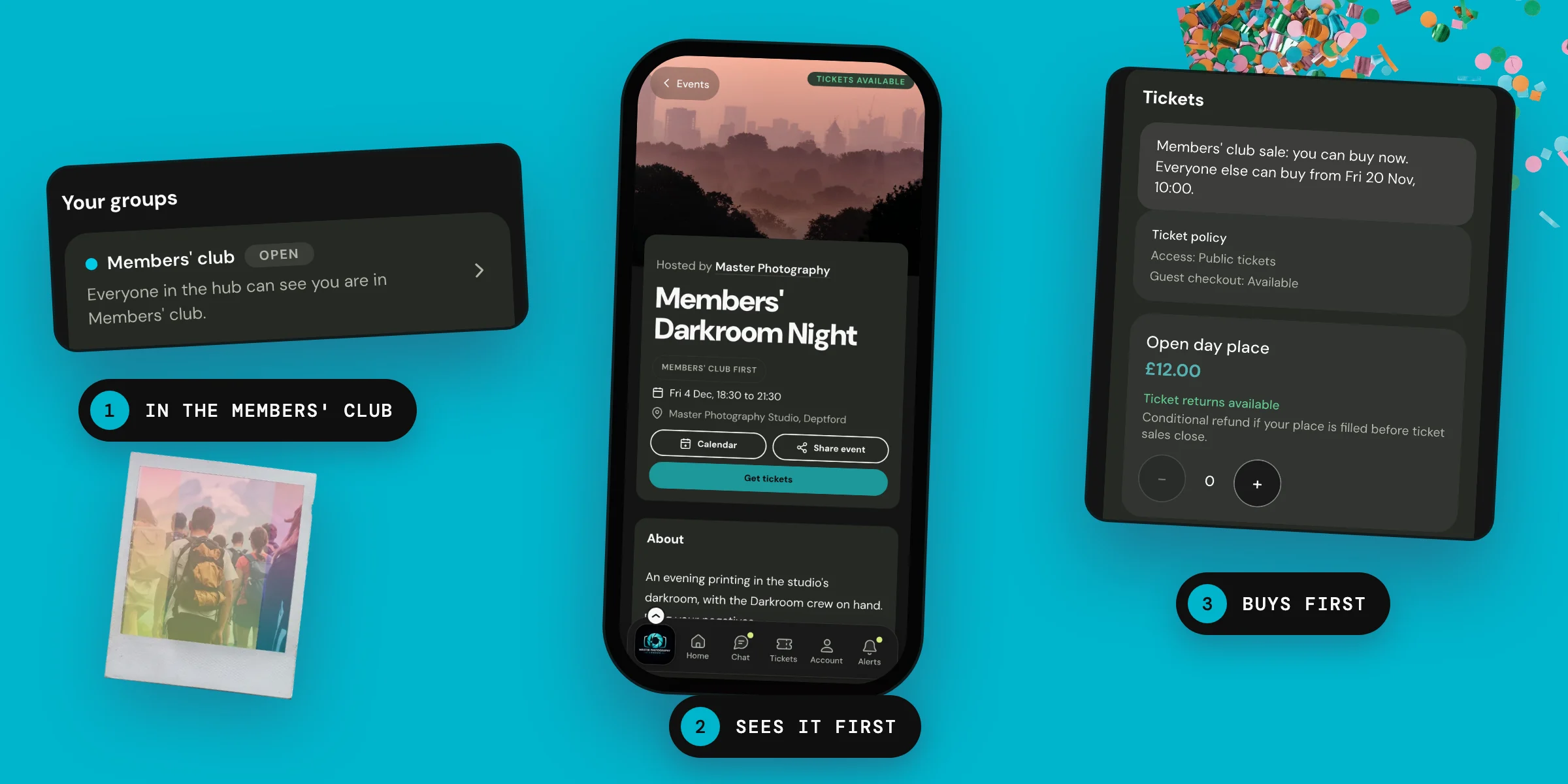
Let a group see a members' event before the rest of the hub, then open it on a date you choose.
Their own chat and album
Give a group its own chat, album or email, then add people to the group rather than to each one.
Tickets that know your groups
Give a group its own price, let it buy before everyone else, or keep a ticket just for it. There is no code to pass around.
How groups work
Make a group and fill it
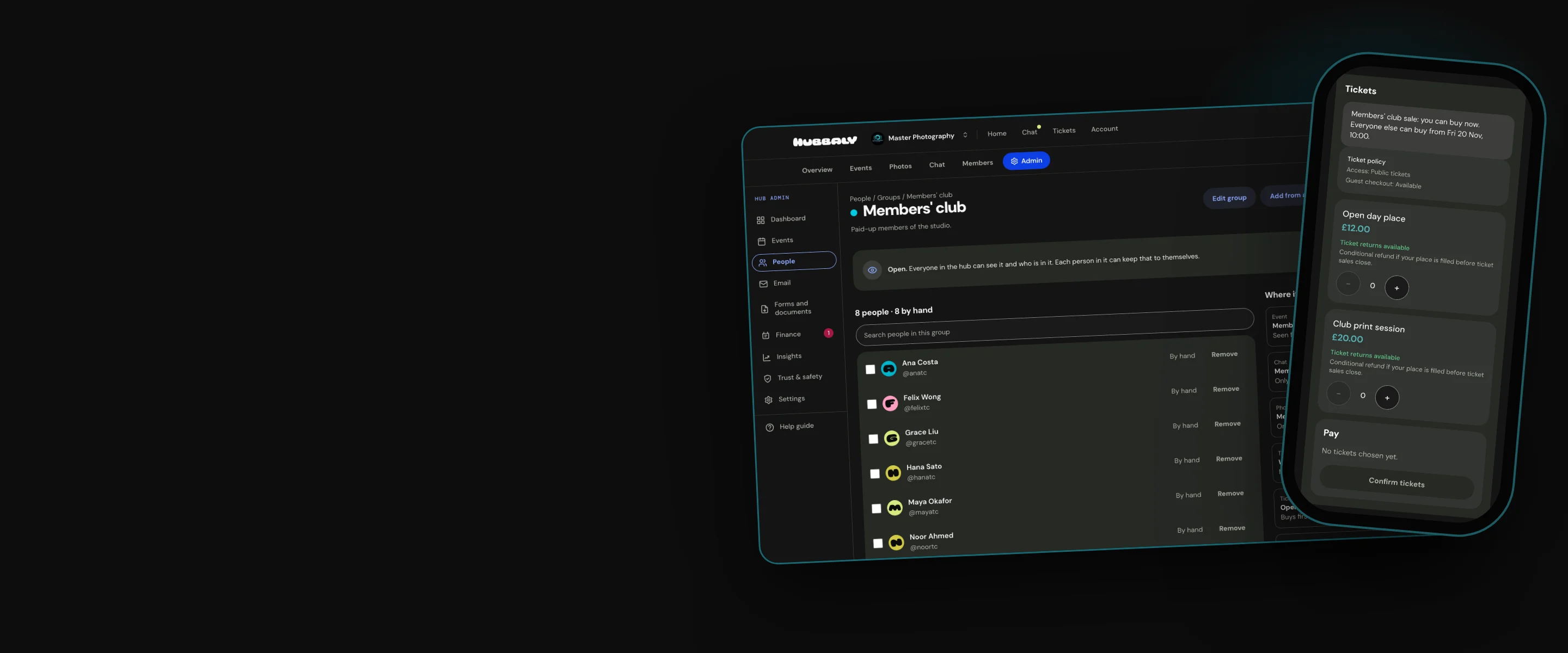
Owners and Admins make groups in Hub admin, under People. A group is open, so the hub can see who is in it, or hidden. Give it a colour, and a dot shows beside its name.
Add people from the hub by hand, invite new people, or add a list of email addresses. A group's page shows where it is used.

Or let a rule fill it
A group made by a rule fills itself, from check-ins at your events, helping on the team, or time in the hub.
Every condition must be true, and Hubbaly keeps the group up to date. Before you save, see who will be in it, and leave anyone out.

Show an event to a group first
On an event for hub members, choose Selected groups first. The groups see it when you publish it.
The rest of the hub sees it on a date you set, when you choose, or never. You decide whether opening it is announced.

Tickets for a group
Let a group buy first: its members buy before everyone else, from the same tickets, at their price.
Or keep a ticket for chosen groups only. Everyone else sees it marked For the group, or not at all.

What members see
Members find their groups on the hub's Members tab and in their account. A group's page lists the events it sees first, and its chats and albums.
They are told in the app when you add them. In an open group, they can keep their place to themselves.

Our promise
A group follows who is in it today. Every event, chat, album, email and price that names it follows along. Someone who leaves loses what the group opened for them, but keeps any ticket they already have.
One limit: Only people in your hub can be in a group, and leaving the hub takes someone out of every group.
Questions organisers ask
Can members see which groups other people are in?
Only open groups, and only for people who have not kept their place to themselves. A hidden group's name is shown only to the people in it and to your Owners, Admins and Managers.
Can a member join a group themselves?
No. Your hub's Owners and Admins choose who is in each group, or set a rule that does it for them. Members cannot leave a group themselves either.
Can Managers use groups?
Yes, for chats, albums, event updates, member prices, buying first and tickets for groups. Making groups, choosing who is in them, showing an event to groups first and emailing groups are for Owners and Admins.
Does a group give anyone a role?
No. A group never gives anyone a role or a staff permission.