




Tickets & sales phases
Targeted ticket types and dynamic sales phases
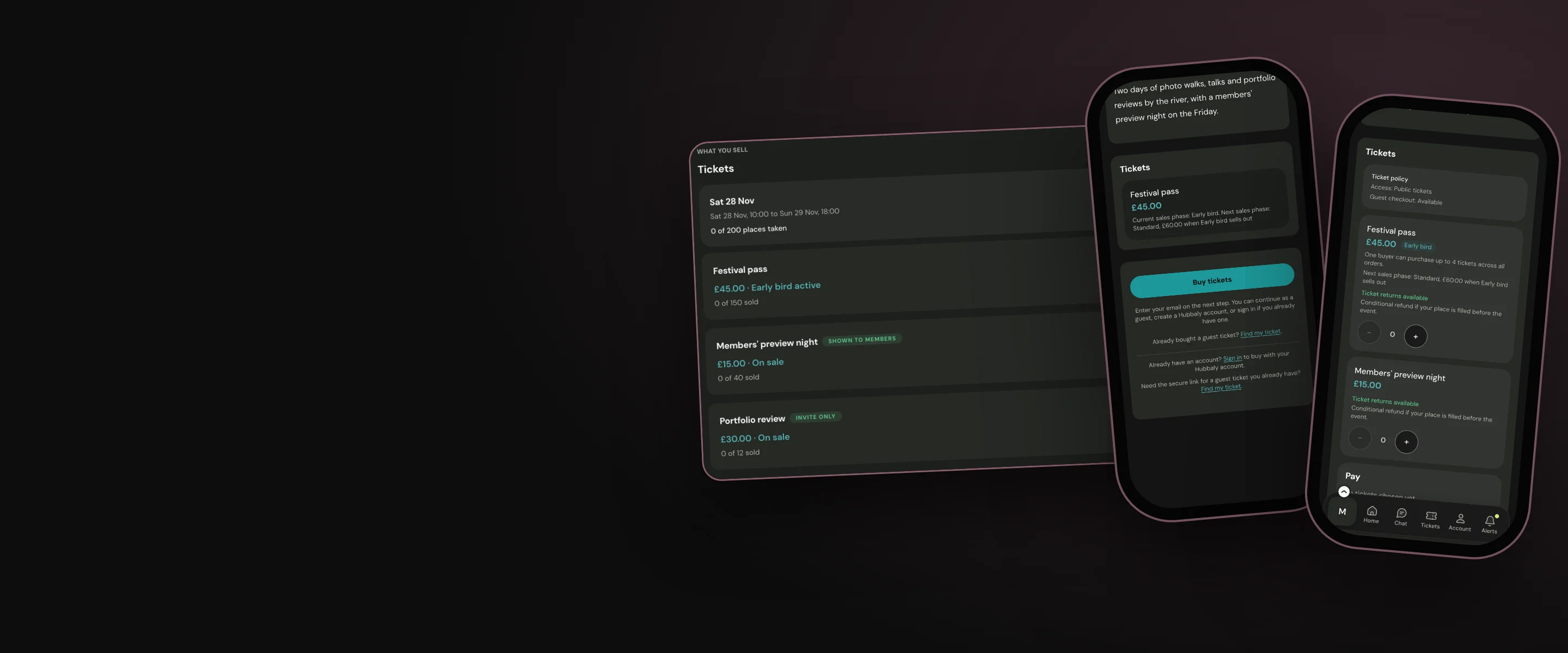
Create a range of ticket types to suit all events, workshops and festivals release them all at once or across selected sales phases to your chosen audience
Release your tickets your way
Event organisers learn how and when to release their event tickets to maximise sales and engagement with their community. They carefully consider the types of tickets they need for their events, and the best times to release them. This selection and release schedule requires a comprehensive range of ticket types and sales phases from their ticketing apps. Simple ticketing apps don’t know your current membership list, and can’t distinguish between those who should have access to buy each ticket type. Ours can.
When you operate your ticket sales through your hub with us you can:
- Make as many different ticket types as you want for each event.
- Create a range of tickets with different prices for each event that either have their own capacity or a shared event capacity.
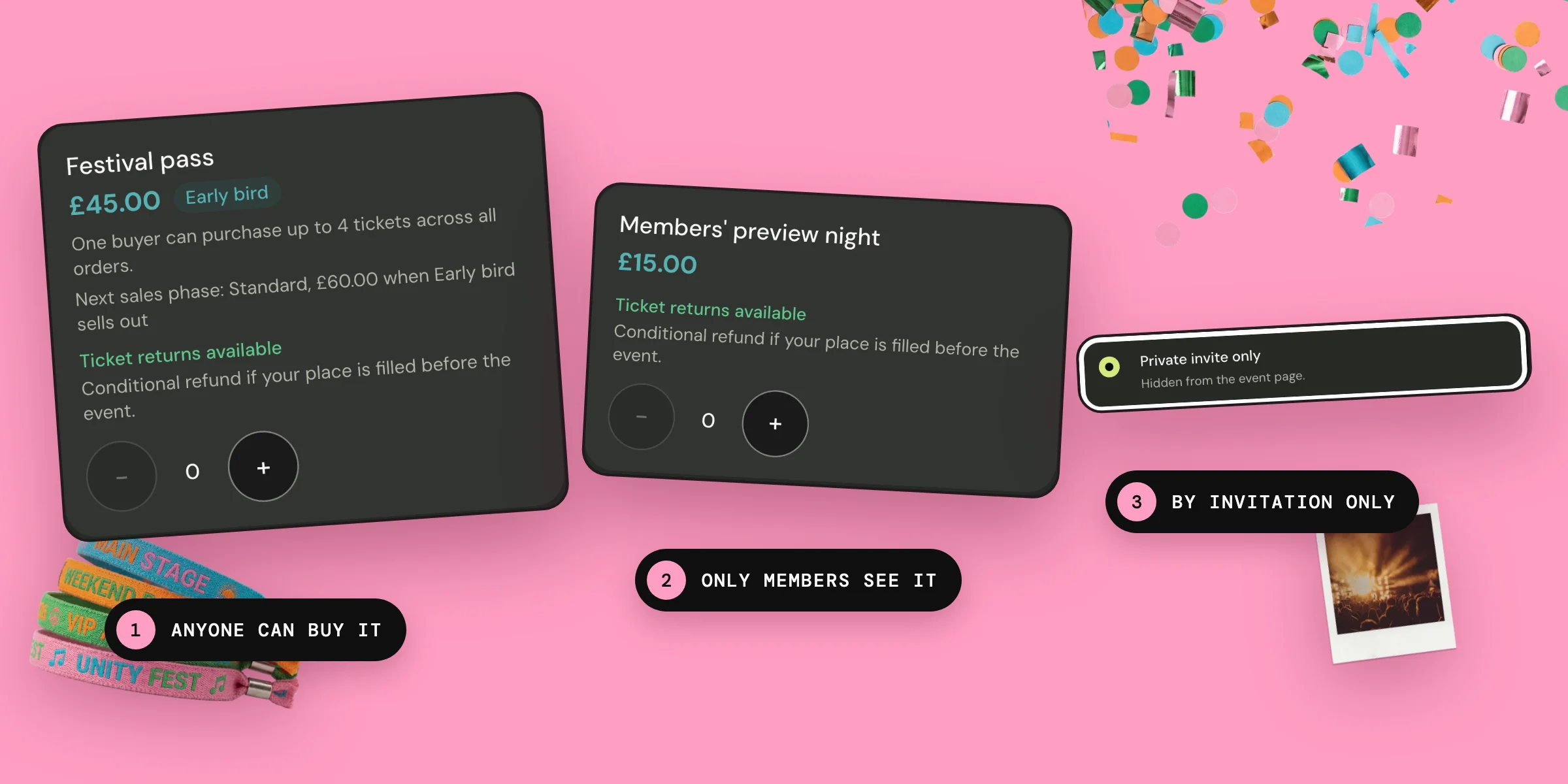
- Make each of your ticket types available to the public, your hub members, or selected individuals.
- Create tickets for single day or multi-day events.
- Set purchase limits for each ticket type.
- If you need attendees to sign a waiver, or to fill in a form or document before they come to your event you can make it a ticket requirement. Ticket QR codes only activate if all required documents are completed.

Our sales phase options allow you to:
- Create as many sales phases as you wish for each ticket type.
- Set a start date for each phase, and one date when sales end.
- Set how many tickets each phase sells, when the ticket has a limit.
- Decide if you want to trigger a new sales phase by a defined date or when the previous phase is sold out.

Limits
- Paid tickets must cost at least £1.
- When using sales phases the ticket costs of each phase must increase from the last.
- Complimentary and staff tickets cannot be transferred to other people.
Our promise
Our tickets follow the rules you have set for your events and are visible for purchase only by the people you have chosen. Our tickets know your up-to-date members’ list and event detail edits.
Questions
Can I hide members-only tickets from the public?
Yes. Members-only tickets show to everyone marked Members only, unless you choose No for Can people who are not members see it? Then only your hub members see that ticket on your event page.
Can I buy tickets for friends to private hub-only events?
If they are members of the hub, yes. When you select the number of tickets you want to buy, search for each friend by their name or Hubbaly username to say who each ticket is for. At checkout your friends’ tickets are sent directly to their own Hubbaly accounts.
If someone buys a ticket to a private event can they send it to anyone they wish?
No. You can only transfer a ticket to someone who has the permission to use it. For example, hub-only event tickets can only be transferred to hub members.
Can I create ticket bundles for families to attend my event?
Yes. You can create ticket bundles for any groups you choose. Bundles can only be bought by your hub members.