



Paid memberships
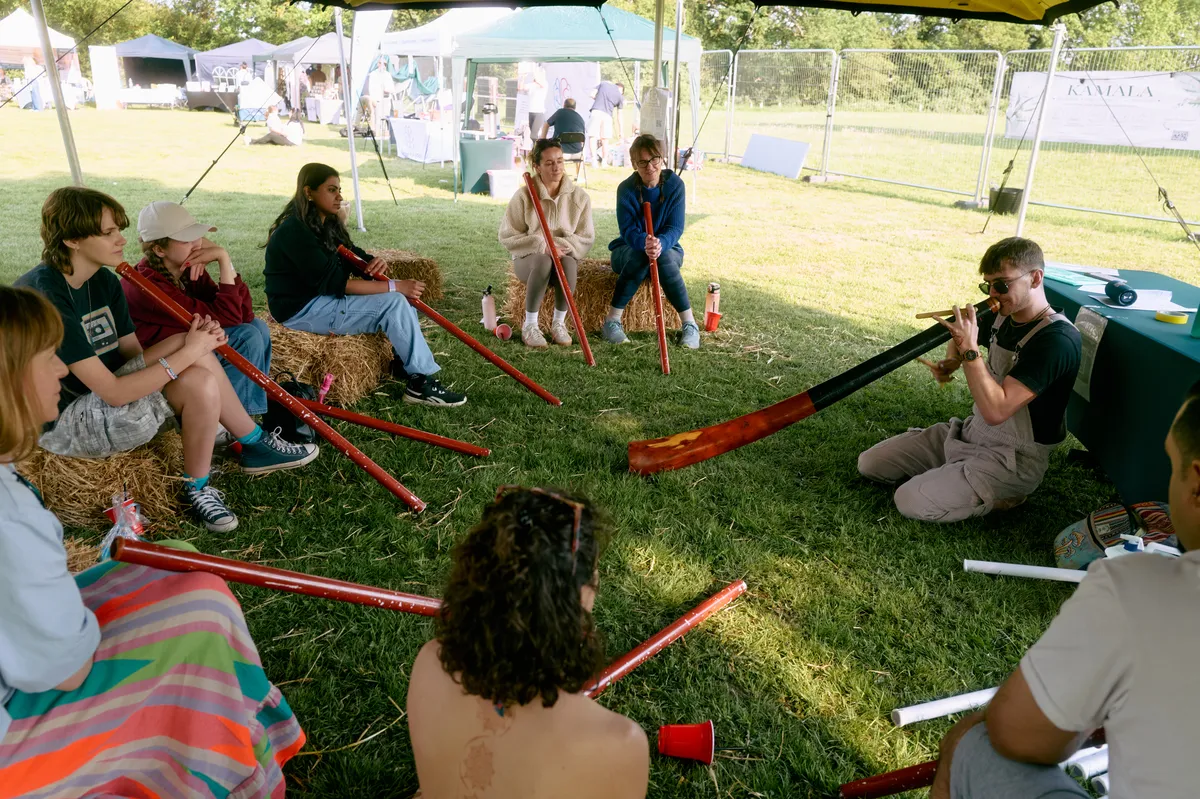
- Hubs can now sell paid memberships, for regular club nights, early access to tickets or anything else. Stripe takes the payment, and buyers see the price and terms on one page before they pay.
- Members manage their membership from the hub’s Overview.
- Organisers can give someone a free membership until a set date, refund a payment, or change the price or terms with 30 days’ notice to existing members.
- To have new members pay to join, turn on paid joining. Create hub asks about it, and Getting started walks you through it. You can switch it on before payments are set up, and your membership goes on sale as soon as they are. Existing members stay.
- Private hubs now show their memberships on their join page, along with the hub’s banner, logo and name.

Analytics for organisers
- Insights is now called Analytics. You’ll find it in Hub admin, with Overview, Sales, Compare events, Community and Reach.
- Sales so far shows an event’s ticket sales day by day, next to earlier events you pick.
- Compare events puts sales, ticket choices and arrivals side by side, and Community shows who’s new and how often people come back.
- Reports shows how many people picked each time in your event guide’s line-up, but never who.

Sign in with Apple or Google
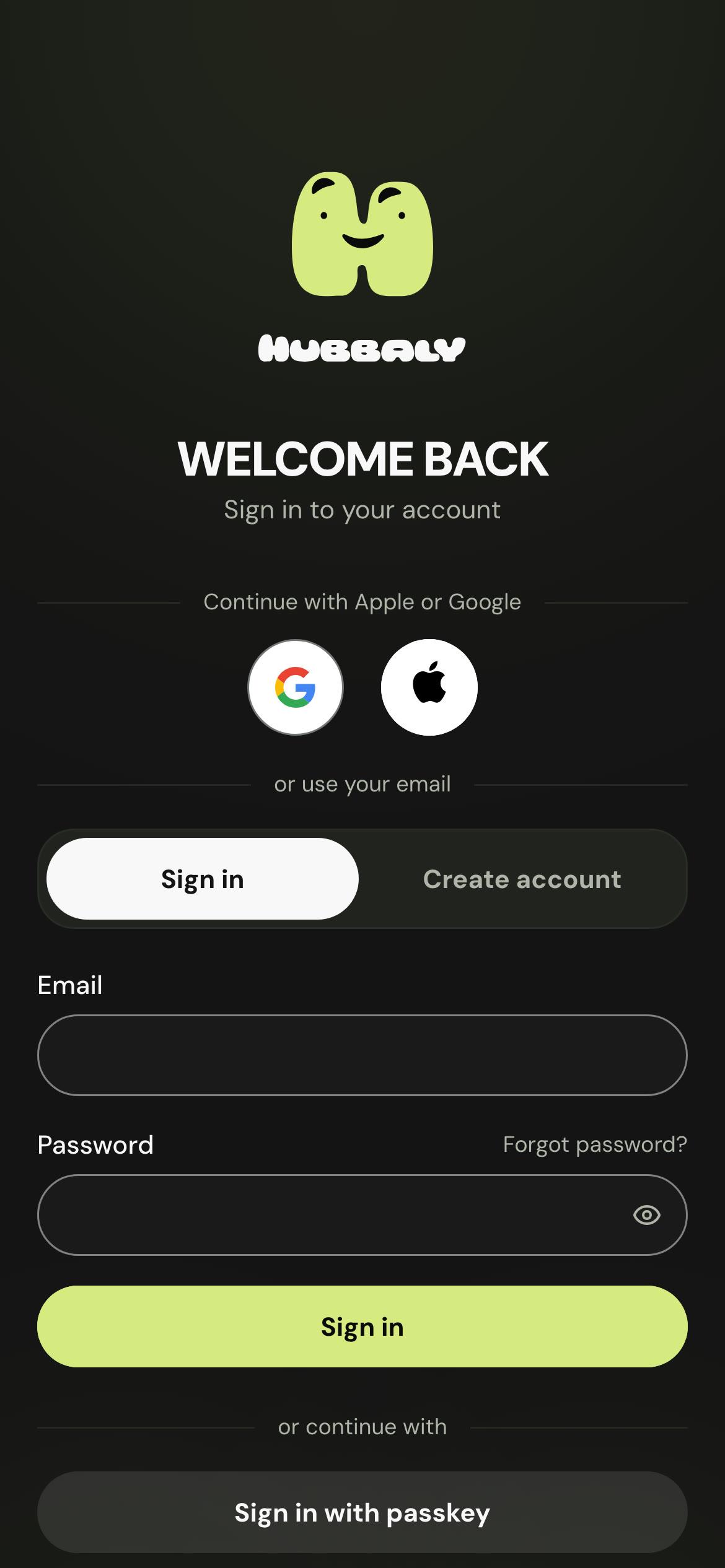
- Sign in with Apple or Google from the new buttons above the email form, with no new password to remember.
- Already have an account? Connect Apple or Google to it, or disconnect them, in Security.
- If someone hides their email with Apple, organisers see Email hidden by Apple instead.
- If you only sign in with Apple or Google, confirming it’s you is a quick sign-in again.
Smoother on your phone
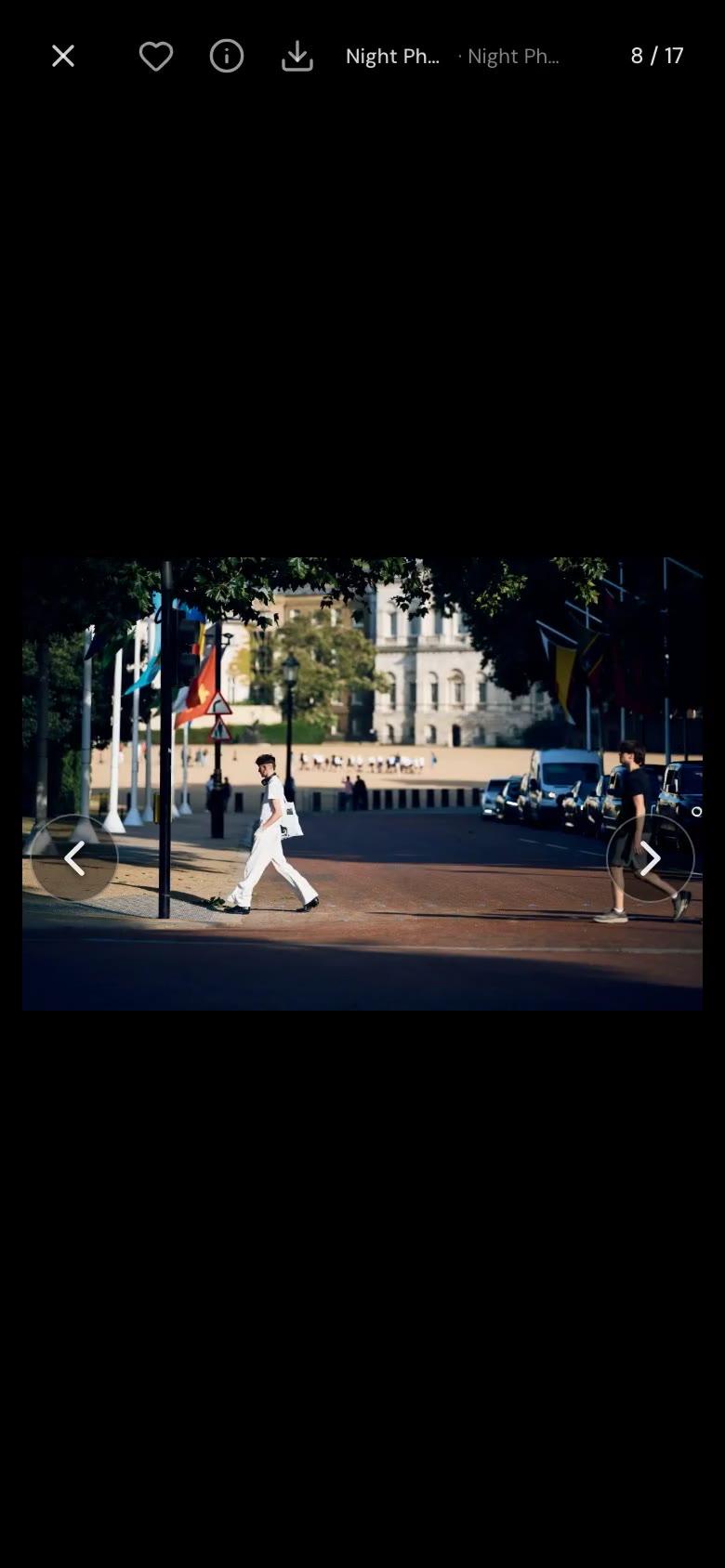
- Photos follow your finger. Swipe left or right to move through an album, or tap the arrows to flick through quickly. Pull down to close, and Back closes the photo rather than the album.
- Tap a photo once to hide or show its controls.
- The bar at the bottom glides to each tab you tap.
- Chats slide in over the list with their messages ready, and the bar steps aside while you type.
- Tap an event on Home and its flyer grows into the event page, then folds back into its row when you go Back.
A quicker start
- A new hub opens on Set up your hub, with branding, member terms, payments and seller details in one place.
- Create event is shorter: five questions, with everything else under More options.
- New members get a welcome email once they’ve confirmed their address.
Part of a bigger event
- Events from different hubs can now join up as part of a bigger event, such as a festival. Each event keeps its own tickets, and the bigger event sees the totals in Reports.
- The Partners page in Event admin now explains each way to work with another hub, and when to use it.

Tickets and waiting lists
- When a place comes free, it goes to whoever has waited longest, across all of an event’s waiting lists. A multi-day pass gets its own list when one day sells out.
- Choose Tell me when tickets go on sale on an event page, and we’ll remind you ten minutes before your sale opens.
- Can’t use a complimentary ticket? Return it from My tickets, and the place goes to the waiting list or back on sale.
- After you buy, You’re in. shows the event’s flyer with a little celebration, and the ticket email takes you straight to your tickets.
Reminders and alerts
- Get event guide reminders as phone notifications, so you won’t miss an act you picked, even if its time changes.
- Ticket holders get an alert when a form needs signing, and hub admins get one when another hub invites them to host together or join a bigger event.
Also improved
- Organisers can let the people in a group see who else is in it, and anyone can keep themselves off that list.
- Event staff who aren’t in your hub can join it, or ask to, from the event page, if your hub allows it. The people who help at your events can then stay in touch for the next one.
- Chat link previews always match their link, even after it’s edited.
- An expired guest ticket link now says so, with Find my ticket right beside it.
- Staff invited to a draft event can open their tools without an error.
- Refunds, full or partial, show in a person’s history in People.
- The hub team can see every ticket on the event page, and who each one is for.
- Remove from top moves a featured event down Home. You can also name a copied ticket before saving it, and see which tickets each order bought.
- Date and time pickers, the door scanner, Email Studio on phones, staff lists and profile buttons are clearer and easier to use.
- The home page has a new opening picture, and nine feature pages have been rewritten.